topics = pequeno:77iyul6jvk8= texto, escudo:3zynddyynfy= cap, filhote:rm1gjqwdt_e= golden, abençoada:lrjmgmmdl8k= mensagem boa noite, festa:gz2dcjq7urm= vestido longo, cabelo:u-nh_7wnq-o= jaca, filhote:gc2rlgn-wwg= chihuahua, escudo:bspp9kuak7u= vasco da gama, domingo:-zcse6mzqd4= mensagem de bom dia, abençoada:ellxoz2orro= mensagem de boa noite, escudo:epilqrnhx7i= cam, quarto pequeno:ajwno-zlgj4= guarda roupa planejado, kawaii:3n1lldp5yfm= desenho para colorir, medio:t7jgxdrrlsu= cortes de cabelo feminino, cabelo:xidbvucb9no= zacarias, frase:ixni20hg9tm= tatuagem, escudo:ajn2j_rbdca= patrulha canina, escudo:pxrbkzslj5m= boca juniors, festa:qkcjjizo55w= esporte fino masculino, carinho:3ubb_3mtgee= mensagem de aniversário para uma pessoa especial, criativo:gk3ilhihzuw= fantasia de carnaval, carinho:qhq2y2oai2q= bom dia, escudo:izamfhnwrj4= flamengo, criativo:b4c2ici9ti8= ensaio gestante, medio:ypmngxs14v4= corte long bob
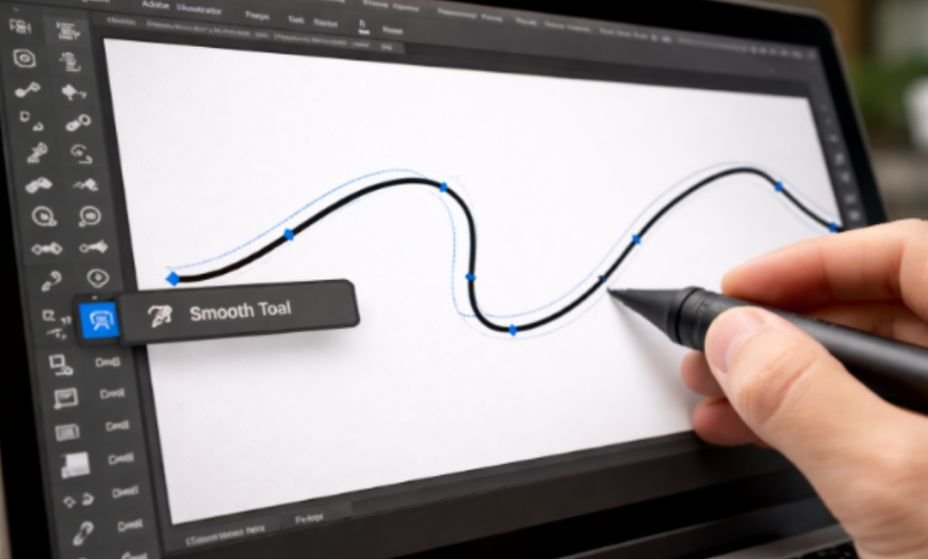
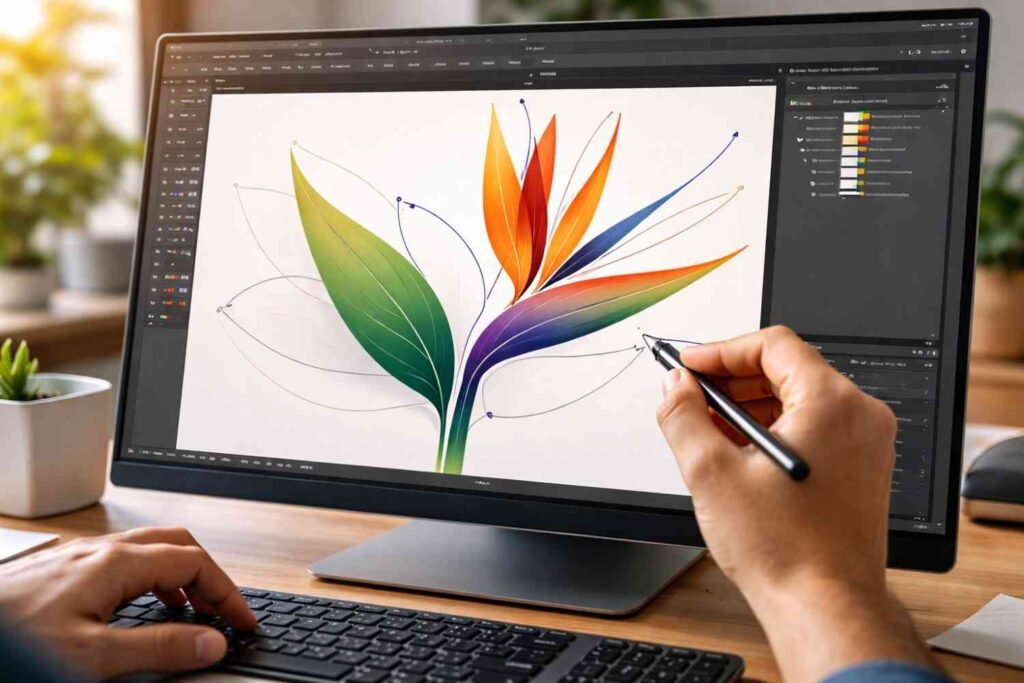
How to Vectorize an Image in Illustrator 7 Easy Steps

How to Vectorize an Image in Illustrator: 7 Easy Steps

Learning how to vectorize an image in Illustrator is easier than you might think, especially with Adobe Illustrator’s built-in Image Trace tool. It converts pixel-based images, including JPGs and PNGs, into scalable vector paths that you can resize, recolor, and edit without traditional pixelation. Whether you’re preparing a business logo, designing custom T-shirts, or creating…
Read More
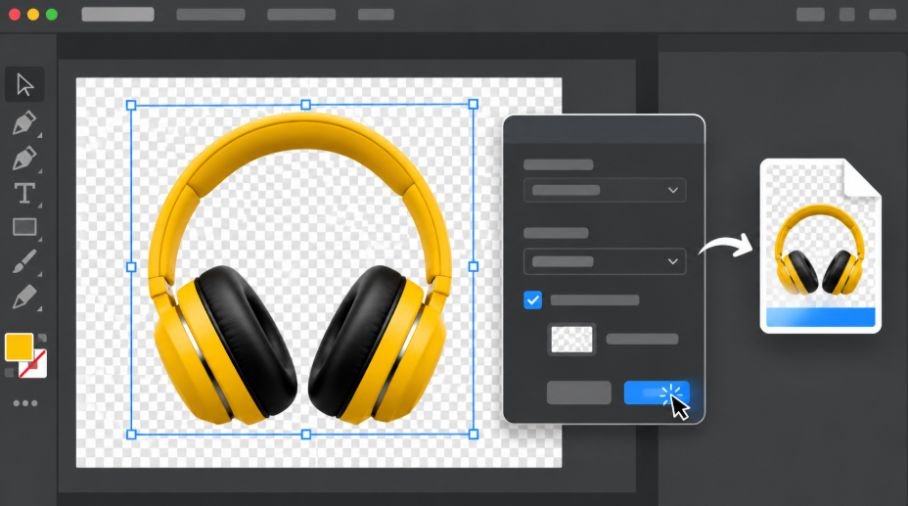
How to Remove Background in Adobe Illustrator 5 Easy Methods

How to Remove Background in Adobe Illustrator: 5 Easy Methods

Knowing how to remove the background in Adobe Illustrator can save you hours of editing, whether you’re designing logos, preparing product photos, or creating marketing graphics. Illustrator offers several ways to eliminate unwanted backgrounds, including its built-in AI-powered Remove Background feature, Image Trace, clipping masks, and manual vector editing. When I first worked with background…

Read More
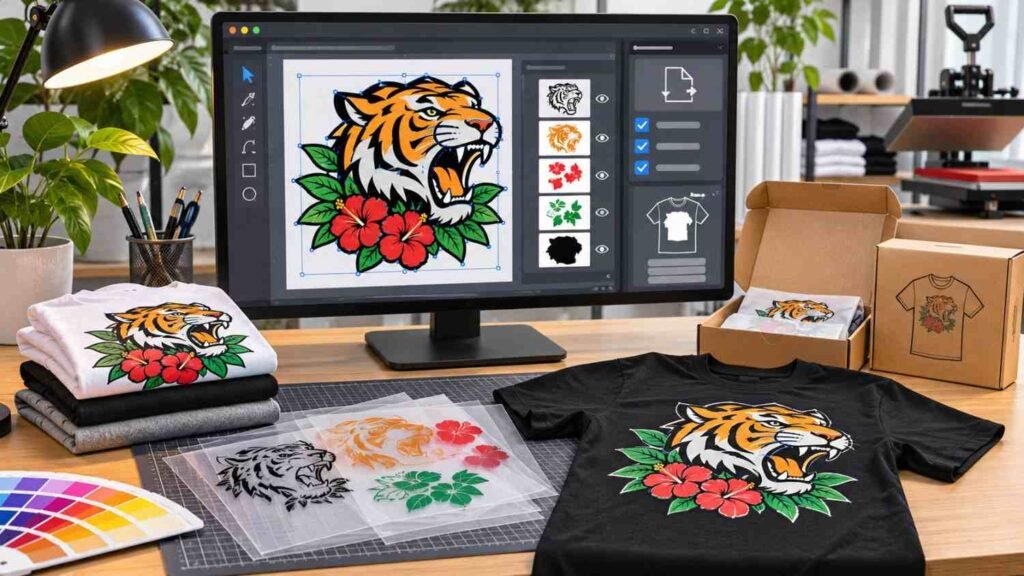
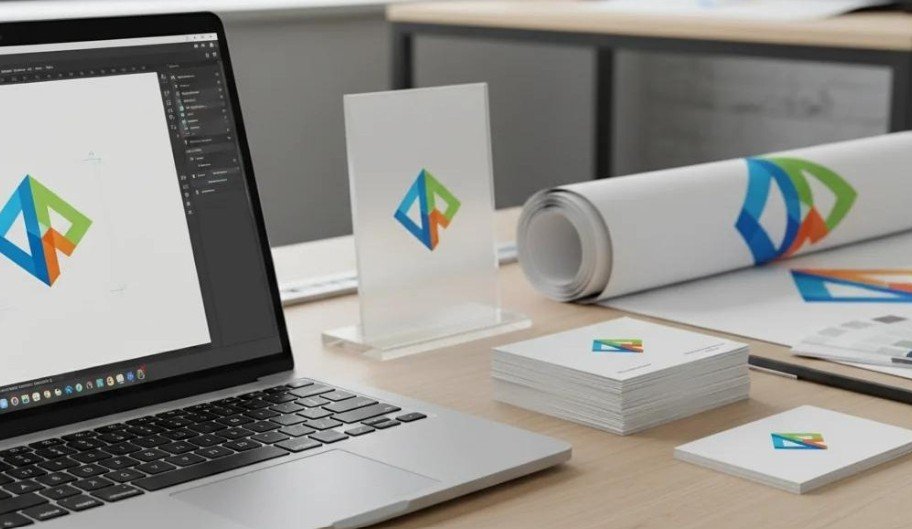
How to Make a T-Shirt Design in Illustrator

How to Make a T-Shirt Design in Illustrator: 8 Easy Steps

Learning how to make a T-shirt design in Illustrator starts with choosing the right artboard size, creating vector graphics, customizing typography, and exporting print-ready artwork. Adobe Illustrator makes designing custom apparel easier because its vector-based tools allow graphics to scale without losing sharpness. When I first started experimenting with T-shirt graphics, I realized that good…

Read More
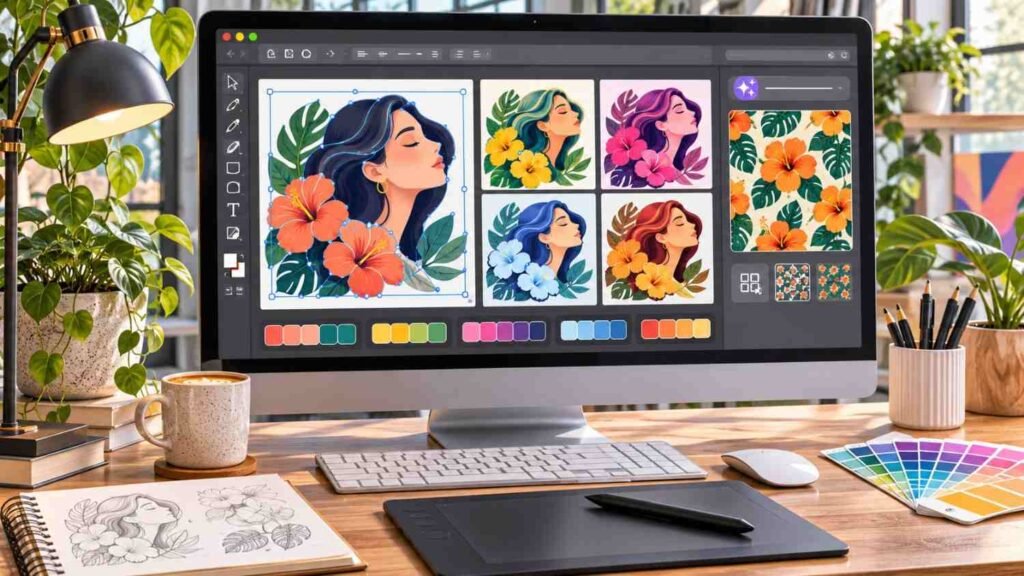
How to Use AI Tools in Adobe Illustrator

How to Use AI Tools in Adobe Illustrator: Step-by-Step Guide

Learning how to use AI tools in Adobe Illustrator can save hours of design work while helping you create professional vector graphics. With Adobe Firefly integration, Illustrator lets you generate editable illustrations, recolor artwork, create seamless patterns, and expand designs using simple text prompts. When I started exploring Illustrator’s generative AI features, I discovered that…

Read More
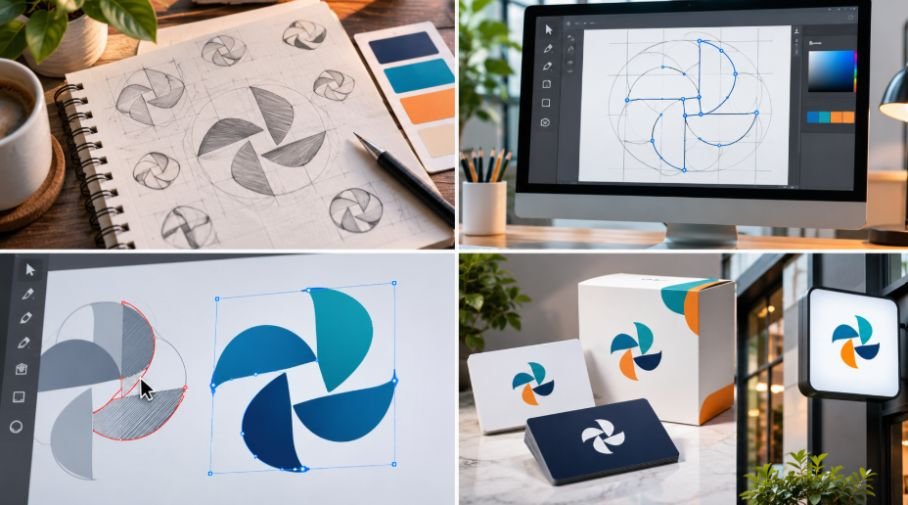
How to Create a Professional Logo in Illustrator Complete Beginners Guide

How to Create a Professional Logo in Illustrator: Complete Beginner’s Guide

A great logo can make your business memorable, but creating one requires more than attractive colors and stylish fonts. Learning how to create a professional logo in Illustrator helps you build an original, scalable design that looks sharp on everything from business cards to massive billboards. When I design logos, I focus on simplicity, balance,…

Read More
Back To Top