topics = pequeno:77iyul6jvk8= texto, escudo:3zynddyynfy= cap, filhote:rm1gjqwdt_e= golden, abençoada:lrjmgmmdl8k= mensagem boa noite, festa:gz2dcjq7urm= vestido longo, cabelo:u-nh_7wnq-o= jaca, filhote:gc2rlgn-wwg= chihuahua, escudo:bspp9kuak7u= vasco da gama, domingo:-zcse6mzqd4= mensagem de bom dia, abençoada:ellxoz2orro= mensagem de boa noite, escudo:epilqrnhx7i= cam, quarto pequeno:ajwno-zlgj4= guarda roupa planejado, kawaii:3n1lldp5yfm= desenho para colorir, medio:t7jgxdrrlsu= cortes de cabelo feminino, cabelo:xidbvucb9no= zacarias, frase:ixni20hg9tm= tatuagem, escudo:ajn2j_rbdca= patrulha canina, escudo:pxrbkzslj5m= boca juniors, festa:qkcjjizo55w= esporte fino masculino, carinho:3ubb_3mtgee= mensagem de aniversário para uma pessoa especial, criativo:gk3ilhihzuw= fantasia de carnaval, carinho:qhq2y2oai2q= bom dia, escudo:izamfhnwrj4= flamengo, criativo:b4c2ici9ti8= ensaio gestante, medio:ypmngxs14v4= corte long bob
How to Use Adobe Illustrator for Beginners Step-by-Step Guide

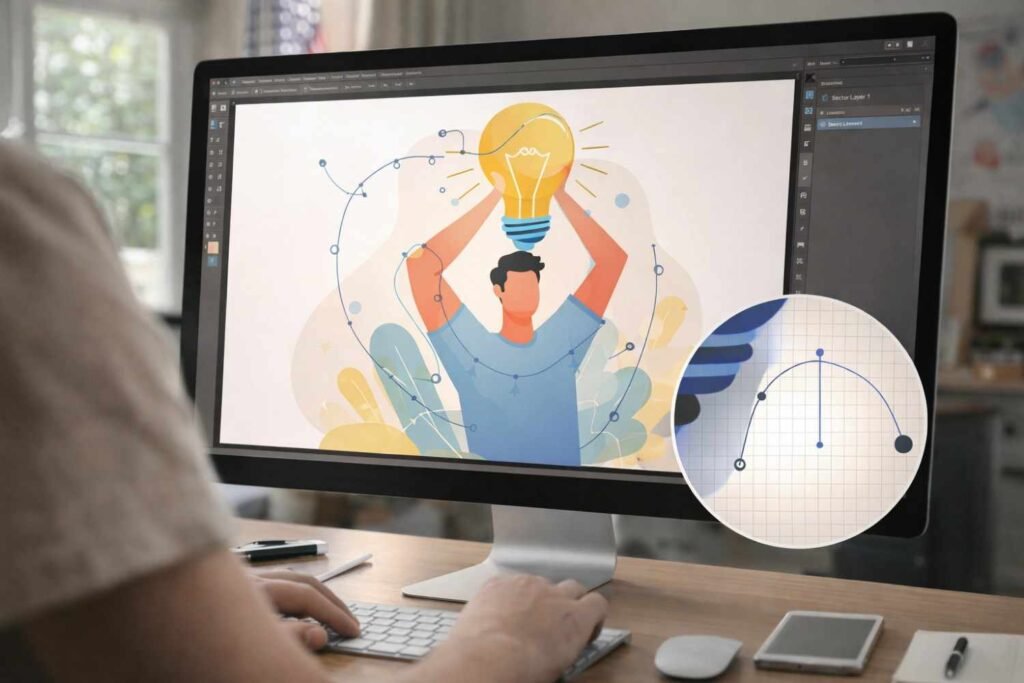
How to Use Adobe Illustrator for Beginners: Step-by-Step Guide

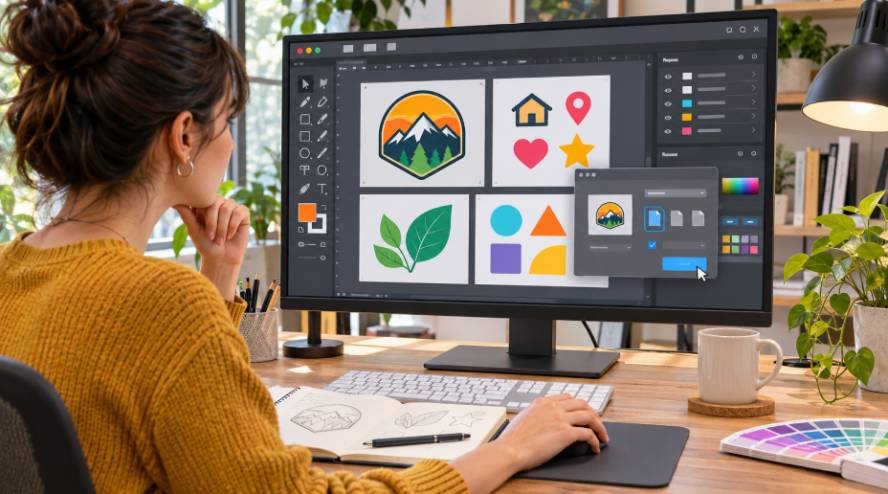
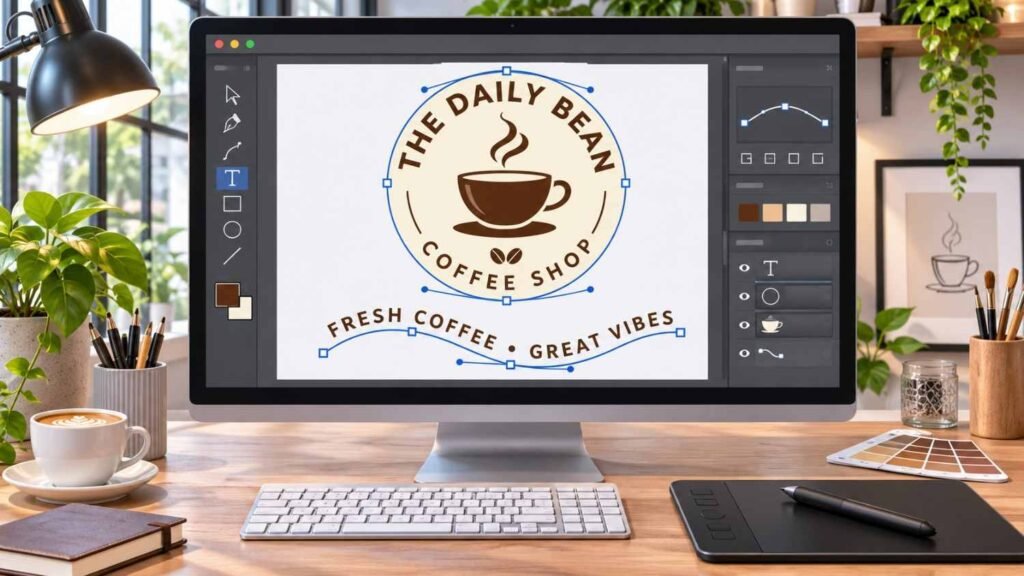
Learning how to use Adobe Illustrator for beginners starts with understanding vector graphics, setting up your workspace, and mastering essential drawing tools. Unlike pixel-based software, Illustrator creates artwork using mathematical paths, allowing you to resize designs without losing sharpness. When I first opened Adobe Illustrator, its numerous panels and tools seemed complicated. However, I discovered…

Read More
Best Adobe Illustrator Alternatives for Windows

Best Adobe Illustrator Alternatives for Windows: 8 Top Picks

The best Adobe Illustrator alternatives for Windows are Affinity, Inkscape, CorelDRAW, and Figma, offering powerful vector editing capabilities without necessarily requiring Adobe’s subscription fees. Whether you’re creating professional logos, illustrations, marketing graphics, or website designs, several free and paid programs can handle the job. When I compare design software, I prioritize creative flexibility, performance, pricing,…

Read More
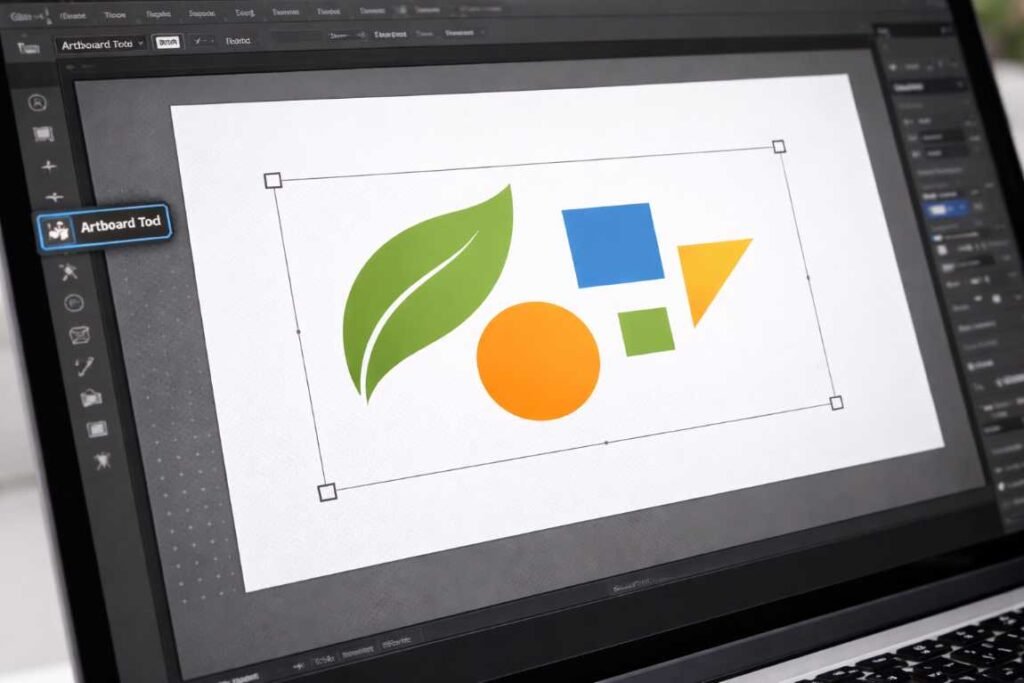
How to Create SVG Files for Cricut in Illustrator

How to Create SVG Files for Cricut in Illustrator: 7 Easy Steps

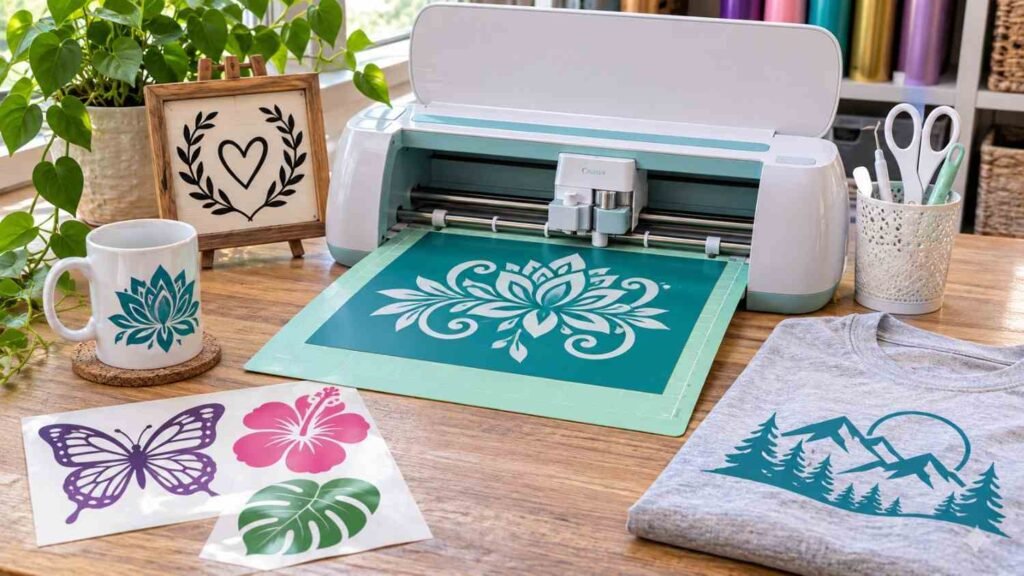
Learning how to create SVG files for Cricut in Illustrator allows you to turn custom artwork into professional-quality vinyl decals, T-shirt graphics, stickers, and personalized gifts. The process involves designing vector artwork, converting text and strokes into appropriate paths, organizing colors, and exporting an SVG that Cricut Design Space can recognize. When I first started…

Read More
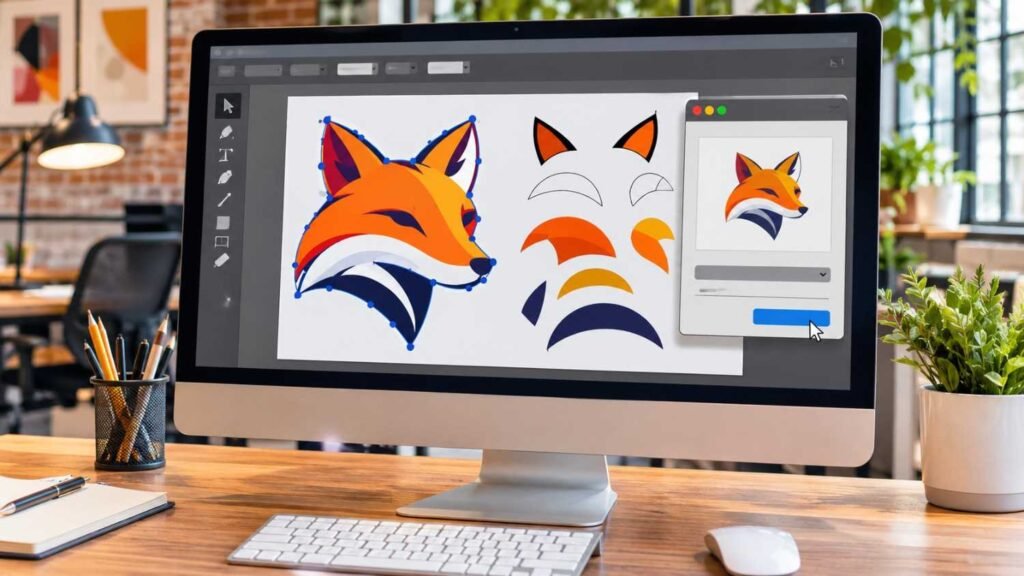
Adobe Illustrator vs Canva for Logo Design

Illustrator vs Canva: Which Is Best for Professional Logo Design?

Choosing between Adobe Illustrator and Canva for logo design comes down to originality, creative control, and budget. Adobe Illustrator is the stronger choice for professional vector logos, while Canva offers a faster, beginner-friendly approach through customizable templates. When I evaluate logo design software, I don’t just consider how attractive a design looks on a computer…

Read More
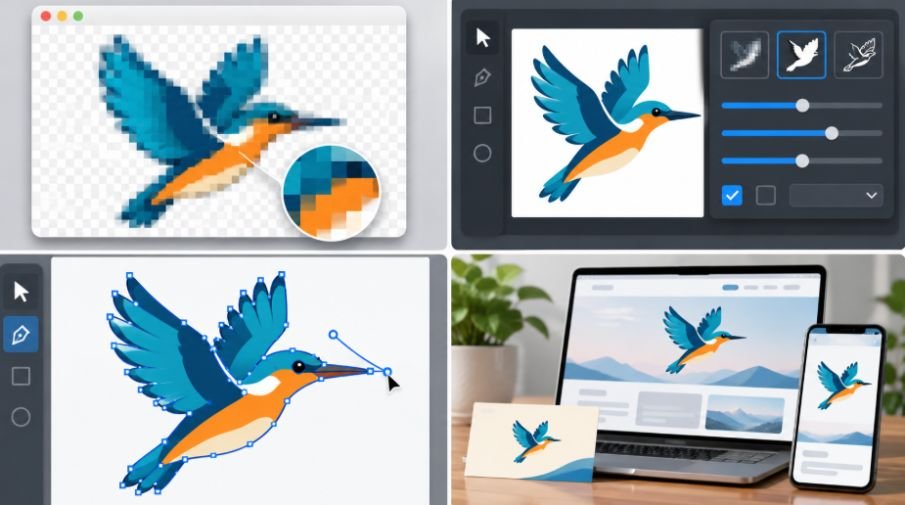
What Is Vector Illustration And Why Does It Matter for Scalable Digital Graphics

What Is Vector Illustration And Why Does It Matter for Scalable Digital Graphics

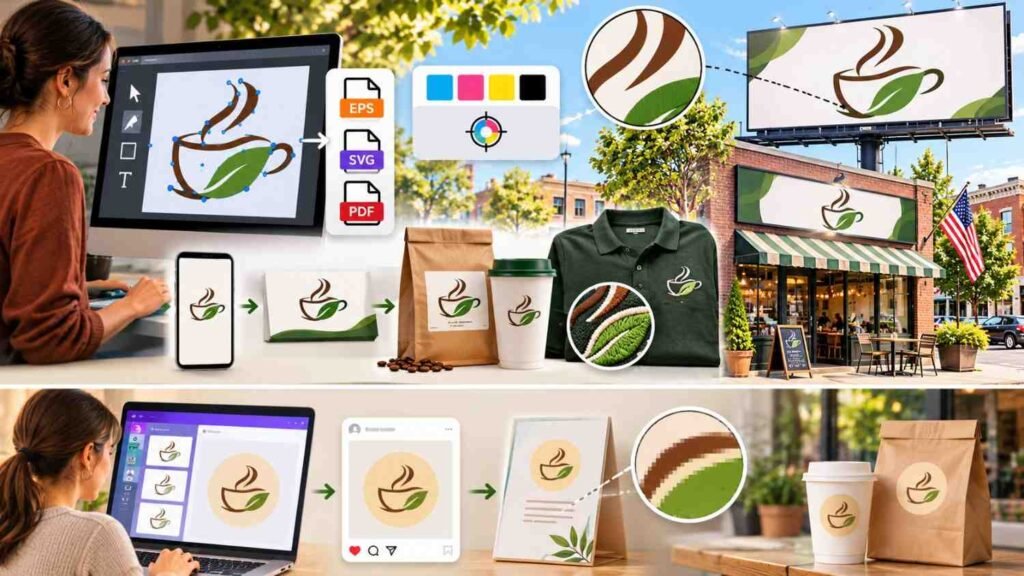
Digital design changed the moment designers stopped thinking only in pixels and started working with shapes that could scale endlessly. I remember the first time I resized a logo and watched it stay perfectly sharp at every size. That moment usually surprises beginners. You expect images to blur when enlarged, but vector graphics behave differently….

Read More
Back To Top