
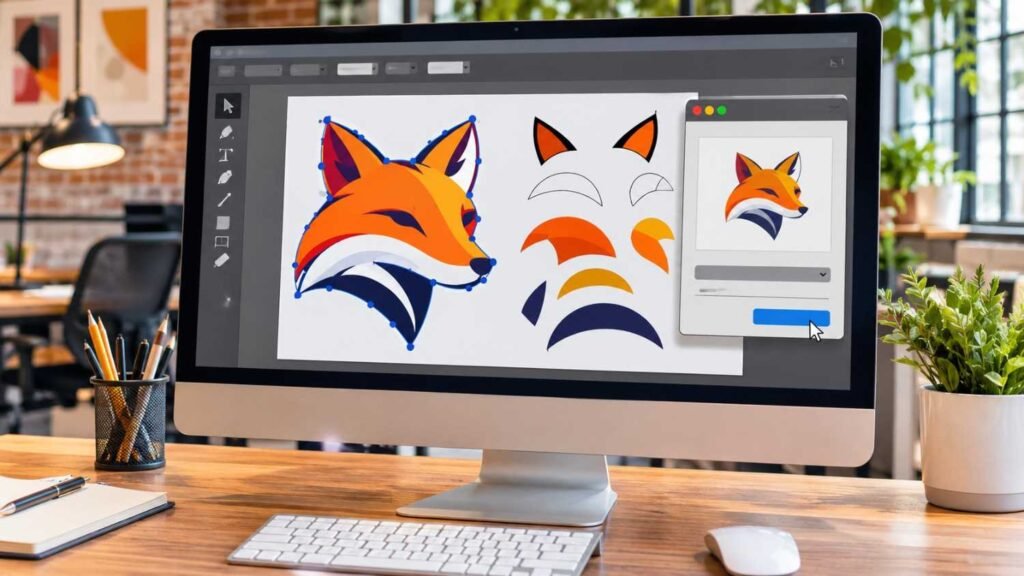
How to Use Image Trace in Illustrator: 8 Easy Steps
Learning how to use Image Trace in Illustrator can help you turn ordinary JPGs, PNGs, and scanned drawings into sharp, scalable vector graphics. Simply import your image, open Image Trace, choose a preset, adjust the settings, and expand the result into editable vector paths. When I started exploring Adobe Illustrator, I discovered that Image Trace…