
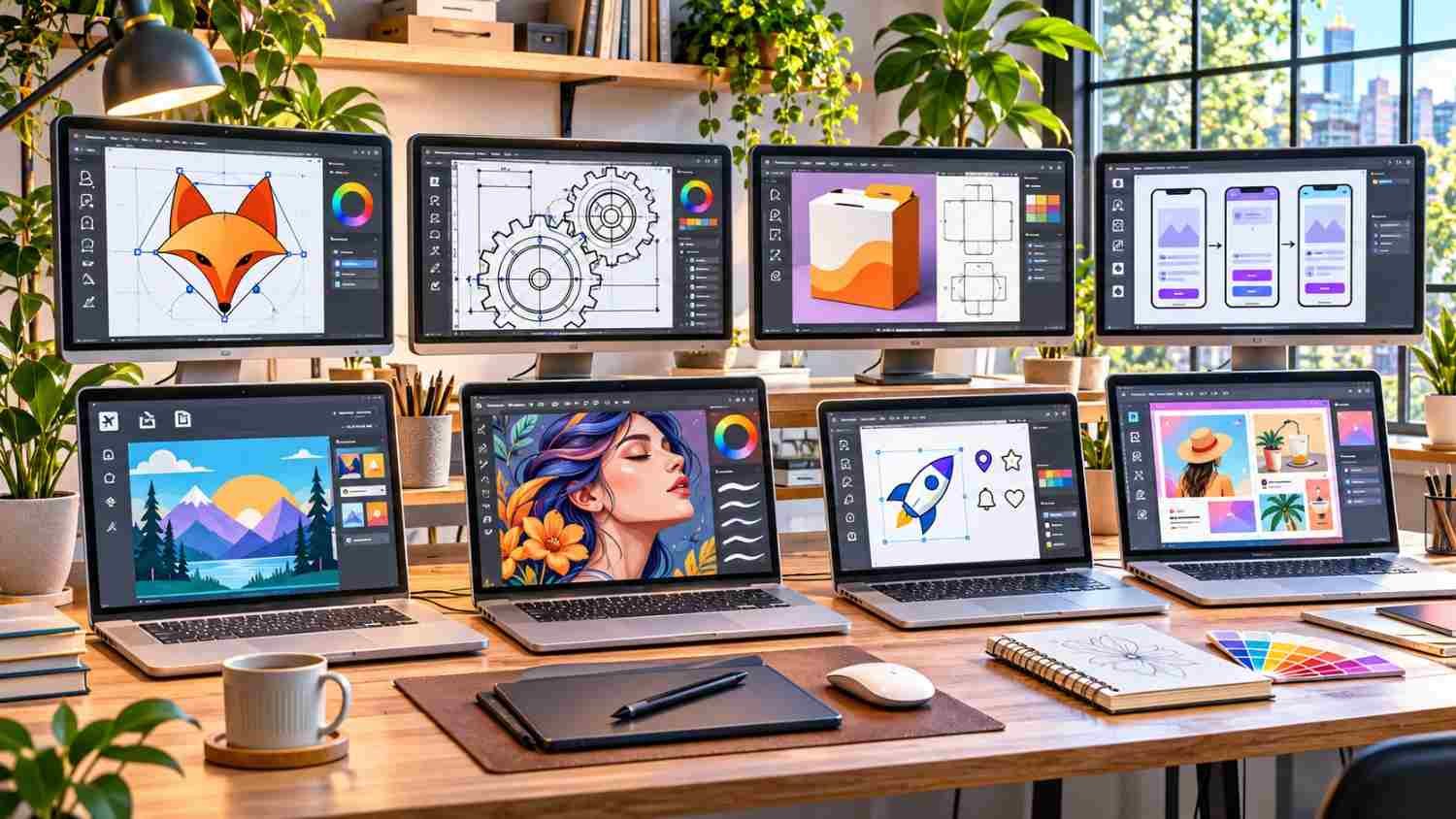
The best Adobe Illustrator alternatives for Windows are Affinity, Inkscape, CorelDRAW, and Figma, offering powerful vector editing capabilities without necessarily requiring Adobe’s subscription fees. Whether you’re creating professional logos, illustrations, marketing graphics, or website designs, several free and paid programs can handle the job.
When I compare design software, I prioritize creative flexibility, performance, pricing, and file compatibility. Canva’s decision to make its redesigned Affinity application free has significantly changed the competitive landscape, making professional vector design more accessible.
In this guide, I’ll explore eight Illustrator competitors and help you choose the right software for your Windows PC.
What Are the Best Adobe Illustrator Alternatives for Windows?
The ideal alternative depends on your experience, budget, and design requirements. Here’s a quick comparison of the leading options.
| Software | Pricing | Best For | Main Advantage | Main Drawback |
| Affinity | Free core tools | Professional design | Unified creative workspace | Some AI tools require payment |
| Inkscape | Free | SVG illustrations | Open-source flexibility | Slower with complex artwork |
| CorelDRAW | Paid | Printing and branding | Advanced print and AI tools | Expensive |
| Figma | Free and paid | UI/UX design | Real-time collaboration | Limited print workflows |
| Lunacy | Free and paid features | Interface design | Offline editing | Fewer print features |
| VectorStyler | One-time purchase | Advanced illustration | Powerful vector controls | Steep learning curve |
| Boxy SVG | Free trial and paid | SVG editing | Simple interface | Limited advanced features |
| Canva | Free and paid | Marketing graphics | Beginner-friendly templates | Limited precision editing |
Which Adobe Illustrator Alternatives Are Best for Windows Users?
1. Affinity: Best Overall for Professional Vector Design
Affinity is my top recommendation for professional designers seeking a free alternative.
Following Canva’s acquisition and subsequent relaunch, Affinity now provides vector illustration, pixel editing, and page layout tools within one application, available free with a Canva account.
Its precision node editing, color management, DPI export controls, and vector-raster workflow support everything from branding projects to detailed illustrations.
Affinity also imports Adobe Illustrator files, although complex effects and formatting may not transfer perfectly. Its optional Canva AI Studio features require eligible premium plans.
For US freelancers and creative agencies, Affinity offers remarkable functionality without traditional subscription costs.
2. Inkscape: Best Free Vector Graphics Software
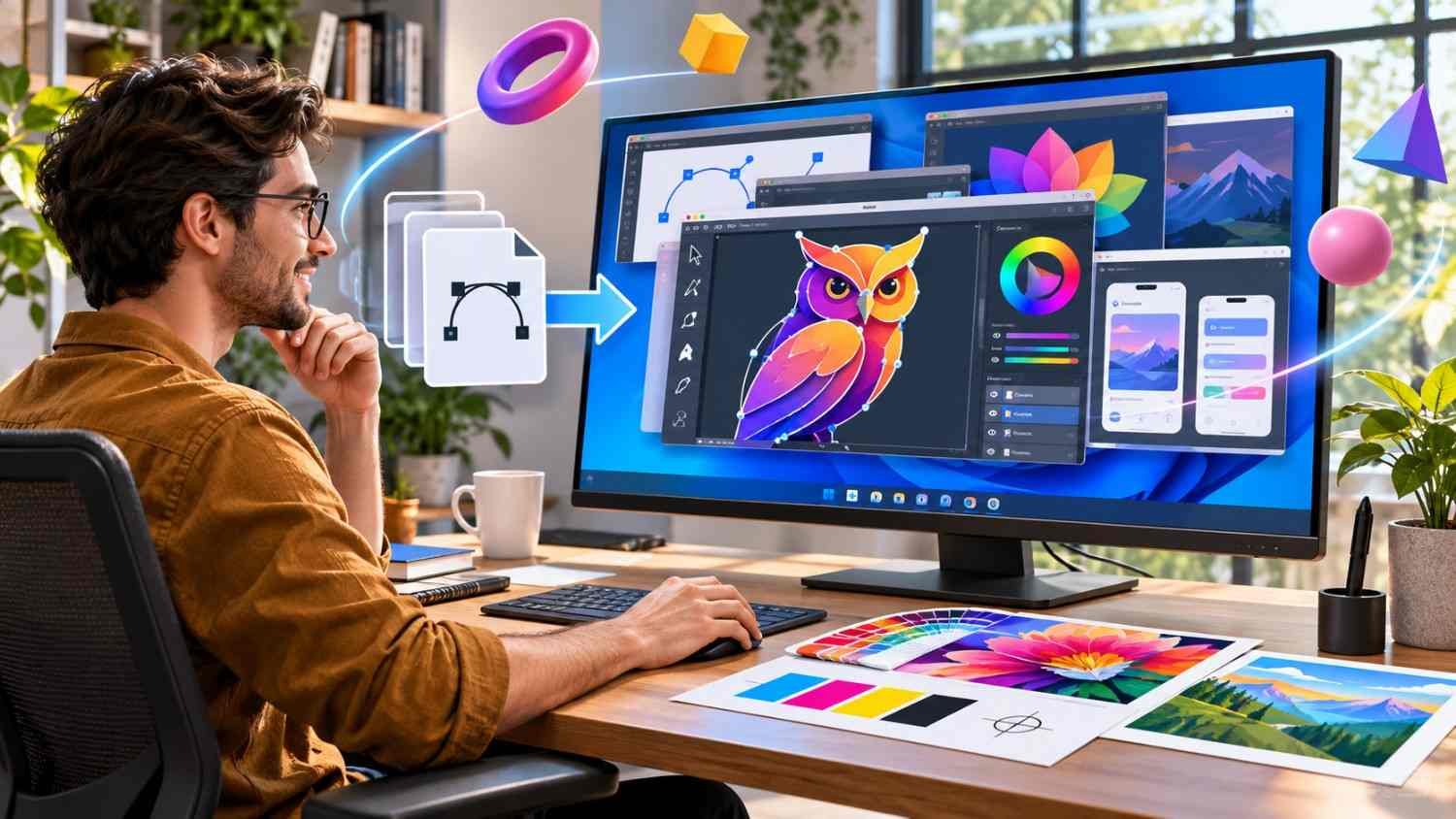
Inkscape is one of the strongest free Adobe Illustrator alternatives for Windows, particularly for designers creating scalable SVG artwork.
This open-source application provides Bézier curves, precision node editing, path operations, cloned patterns, geometric spirals, and extensive community-developed extensions.
Its native SVG support makes it especially useful for technical drawings, website icons, and professional logo design.
However, its interface can feel dated compared with newer applications. Intricate multilayered designs, complex filters, and mesh gradients may also affect performance.
I recommend Inkscape to beginners, students, and independent designers who want capable software without ongoing fees.
3. CorelDRAW: Best for Professional Printing and Branding
CorelDRAW Graphics Suite has competed with Illustrator since 1989 and remains a powerful option for commercial design.
It combines vector illustration, precision page layouts, typography controls, and advanced CMYK color management.
Its 2026 release also introduced generative AI capabilities, including text-to-image tools and text-to-vector generation for creating editable graphics from prompts.
I find CorelDRAW particularly suitable for US print shops producing packaging, signage, promotional materials, and custom apparel.
Subscription and perpetual-license options are available, although pricing and included features vary. Its premium cost remains the biggest disadvantage.
4. Figma: Best for UI/UX Design and Team Collaboration
Figma specializes in interface design, interactive prototypes, and collaborative digital projects.
Its Figma Draw toolkit expands traditional vector editing with expressive brushes, text-on-path capabilities, textures, and advanced illustration tools.
Real-time collaboration lets designers, developers, and stakeholders edit and review projects together.
Figma provides a free starter plan and premium subscriptions. It works through browsers and a Windows desktop application.
However, I wouldn’t recommend it as a primary tool for complex CMYK printing or print-on-demand production.
5. Lunacy: Best for Offline Windows Design
Lunacy is a practical choice for designers who prefer native Windows software.
It includes vector editing, interface design, reusable components, and built-in graphic resources. Offline functionality makes it useful when internet connectivity is unreliable.
Its free functionality appeals to freelancers and smaller design teams, although premium assets and services may cost extra.
Lunacy is better suited to digital interface projects than demanding commercial printing.
6. VectorStyler: Best for Advanced Illustration
VectorStyler provides sophisticated vector drawing features, advanced typography, brushes, and detailed path controls.
It also supports importing Illustrator artwork, which can help designers transition away from Adobe.
I particularly appreciate its one-time licensing model, which avoids recurring subscription payments.
However, its extensive tools may overwhelm beginners unfamiliar with professional illustration software.
7. Boxy SVG: Best for Lightweight SVG Editing
Boxy SVG offers a streamlined environment for creating scalable graphics.
Its drawing tools, gradients, path controls, and text features work well for website illustrations, icons, and simple logos.
Windows users can access its browser-based interface, making it convenient for lightweight editing.
Its simplicity is appealing, although complex Illustrator workflows may require more powerful software.
8. Canva: Best for Beginners and Small Businesses
Canva simplifies everyday graphic design through templates, drag-and-drop controls, and accessible editing features.
I recommend it for US entrepreneurs creating social media posts, flyers, business presentations, and digital advertisements.
Its free plan covers many basic needs, while paid subscriptions unlock additional creative resources.
However, Canva cannot fully replace Illustrator’s advanced path editing and precision vector illustration tools.
Free vs. Paid Illustrator Alternatives: Which Is Better?
Free software can handle surprisingly demanding design projects.
Affinity offers an extensive professional workspace without a basic subscription, while Inkscape provides open-source SVG editing and customization.
Paid software such as CorelDRAW and VectorStyler makes sense when your projects require specialized print production, advanced illustration, or particular commercial workflows.
I suggest trying free applications first and investing in paid software only when its capabilities clearly improve your productivity.
Can You Open Adobe Illustrator Files Without Illustrator?
Yes, but compatibility depends on the program and file structure.
Affinity and VectorStyler support Illustrator file imports, while Inkscape can work with certain AI files, particularly those containing compatible PDF data.
However, imported artwork may lose unsupported effects, fonts, or editable features. Native AI export compatibility also varies.
Before switching, I recommend requesting PDF or SVG copies of important projects and testing your files carefully.
How Do You Choose Vector Design Software for Windows 11?
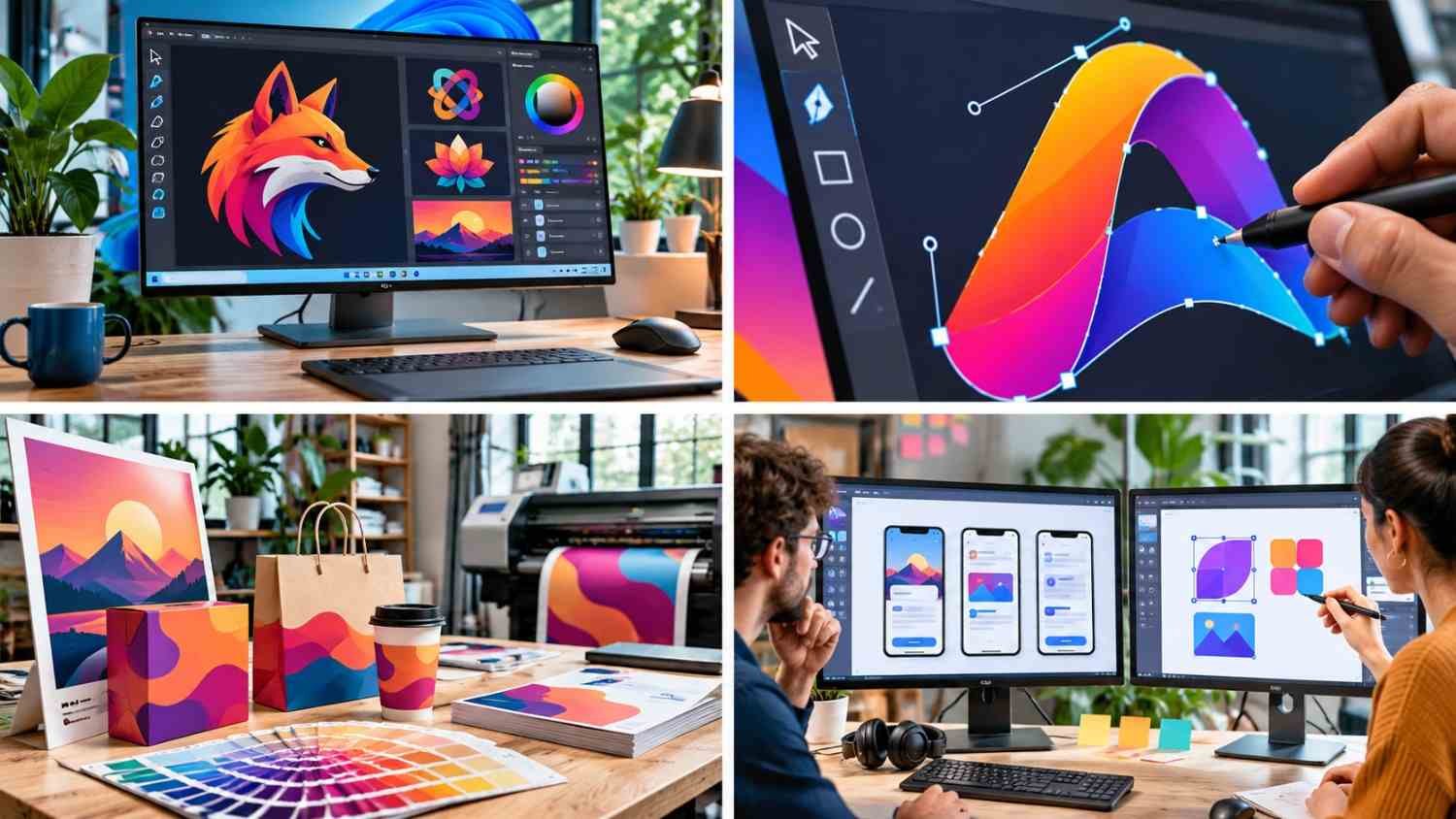
Start by identifying your primary design needs.
For professional logos and illustrations, consider Affinity or Inkscape. CorelDRAW works well for commercial printing, while Figma and Lunacy suit digital product design.
Windows 10 and Windows 11 compatibility, hardware requirements, offline functionality, file formats, and licensing should also influence your decision.
Testing the same project across two applications can reveal which interface and tools best support your workflow.
Frequently Asked Questions (FAQs)
1. What Is the Best Free Alternative to Adobe Illustrator?
Affinity is an excellent choice for professional vector and raster design, while Inkscape offers powerful open-source illustration tools without subscription fees.
2. Is Inkscape Better Than Adobe Illustrator?
Inkscape is excellent for SVG editing and everyday vector illustration. However, Illustrator may remain preferable for certain specialized professional workflows and Adobe integrations.
3. Which Illustrator Alternative Is Best for Logo Design?
I recommend Affinity, Inkscape, or CorelDRAW for scalable logo creation because they provide precise vector drawing and editing features.
4. Can Illustrator Alternatives Run on Windows 10 and 11?
Many applications support Windows 10 or Windows 11, but requirements vary. Always check the current system specifications before installation.
Final Thoughts
Choosing among the best Adobe Illustrator alternatives for Windows comes down to balancing features, cost, and creative requirements.
For most users, I recommend Affinity for professional flexibility, Inkscape for free SVG editing, and CorelDRAW for commercial printing. Figma remains an excellent choice for collaborative digital design.
If you frequently use image trace in Illustrator to convert raster images into editable vector graphics, consider alternatives that offer comparable tracing capabilities.
Ultimately, the right software should make your creative process more efficient without adding unnecessary costs.