A wireless mouse can perform almost as smoothly as a wired one, yet a weak battery or crowded radio connection can interrupt your work without warning. That small inconvenience reveals why connection type matters more than appearance.
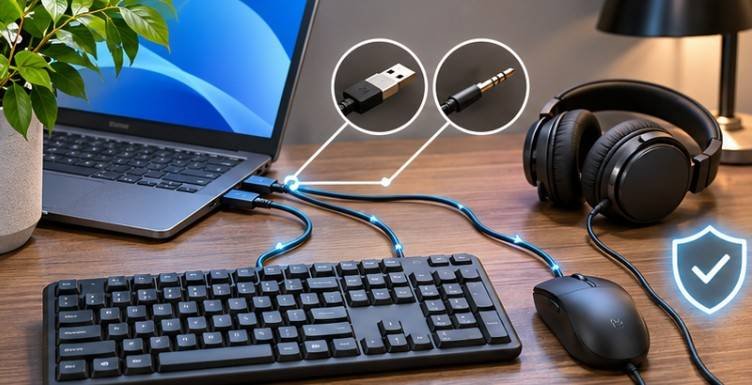
So, what is the difference between wired and wireless computer accessories? Wired devices use physical connections, such as USB or 3.5mm audio cables, while wireless accessories communicate through Bluetooth, radio-frequency receivers, or Wi-Fi.
Both options have advantages. The better choice depends on response time, mobility, reliability, compatibility, and how you use your computer.
How Wired and Wireless Computer Accessories Actually Work
Computer peripherals include keyboards, mice, headsets, speakers, printers, webcams, and external storage devices. Their connection technology determines how information travels between the accessory and computer.
Wired Accessories: Direct Connections
Wired accessories transfer data through cables connected to compatible computer ports. USB keyboards, wired gaming mice, and traditional headphones are familiar examples.
Most USB peripherals receive electrical power directly from the computer, eliminating separate batteries. However, some power-intensive devices, including external drives, require additional power.
The USB Implementers Forum explains that USB4 supports high-speed communication and dynamically allocates bandwidth among different devices.
This makes wired technology particularly useful for demanding data transfers and applications requiring dependable connections.
Wireless Accessories: Bluetooth, RF, and Wi-Fi
Wireless peripherals replace physical data cables with radio signals. Bluetooth accessories connect through a computer’s built-in Bluetooth adapter or a compatible external adapter. They are popular among laptop users because they generally require no dedicated USB receiver.
Other accessories use proprietary 2.4 GHz radio-frequency technology and a USB dongle. These devices can provide highly responsive connections, particularly in gaming equipment.
Wireless printers commonly use Wi-Fi to connect with multiple computers over a local network. Most wireless keyboards, mice, and headphones require disposable or rechargeable batteries, although some wireless devices use external power adapters.
Wired vs. Wireless Computer Accessories: Key Differences
| Feature | Wired Accessories | Wireless Accessories |
| Connection | USB, audio cable, or another physical interface | Bluetooth, RF receiver, or Wi-Fi |
| Responsiveness | Usually consistent and predictable | Depends on technology and signal quality |
| Power | Often supplied through cable | Usually battery-powered |
| Mobility | Limited by cable length | Greater freedom of movement |
| Reliability | Generally resistant to radio interference | Can experience wireless interference |
| Cost | Often cheaper for comparable features | May cost more |
| Setup | Usually straightforward | May require pairing or receiver installation |
| Maintenance | Cable and connector care | Battery, charging, and connection management |
1. Speed and Input Delay
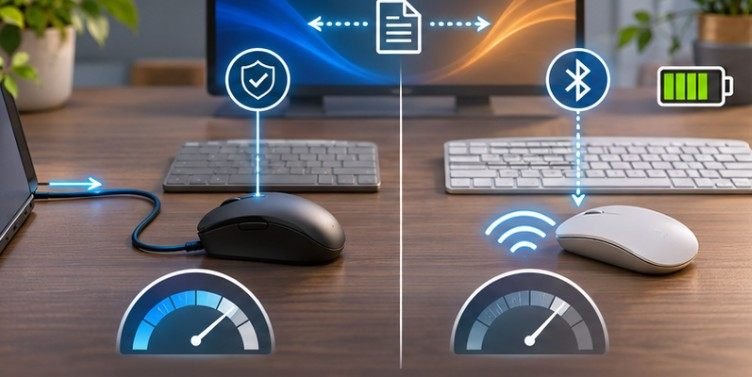
Latency measures how long a device takes to communicate an action to the computer.
Wired peripherals typically offer predictable response times because they avoid the additional radio communication stage.
However, modern high-performance wireless gaming mice can achieve latency comparable to many wired models. For everyday typing, browsing, and spreadsheet work, most users will notice little difference.
Competitive gaming, precision controls, and real-time audio production may benefit from carefully selected low-latency equipment.
2. Connection Stability and Interference
Wired accessories generally maintain consistent communication unless cables, connectors, or ports malfunction. Wireless equipment introduces another variable: radio interference.
Bluetooth and many wireless receivers operate around 2.4 GHz, a frequency range also used by numerous Wi-Fi devices.
North Dakota State University’s wireless guidance identifies Bluetooth peripherals, wireless printers, and other equipment as potential interference sources. In crowded apartments, university dormitories, or offices, signal congestion can contribute to connection problems.
3. Power Requirements and Battery Maintenance
A wired USB keyboard can operate for years without battery replacement, provided its components remain functional.
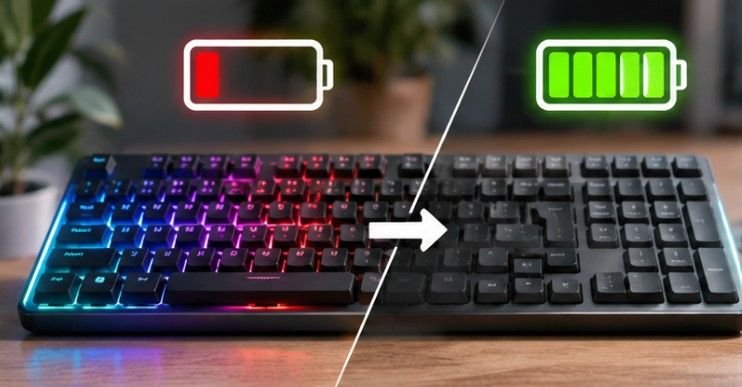
Wireless equipment introduces charging schedules, battery deterioration, and occasional replacement costs.
The U.S. Department of Energy explains that rechargeable lithium-ion batteries experience material changes during repeated charging and discharging.
Although battery life varies considerably, rechargeable peripherals eventually lose some capacity. For devices intended for continuous daily use, battery replacement availability deserves consideration.
4. Mobility, Comfort, and Workspace Organization
Wireless accessories eliminate unnecessary desk cables and allow greater freedom of movement. For example, an employee switching between a home office and shared workspace may prefer a Bluetooth keyboard that supports multiple computers.
Wired devices are practical at stationary desks, particularly when cable management keeps cords organized. Importantly, wireless technology does not automatically improve ergonomics.
Consumer Reports emphasizes keeping a computer mouse within comfortable reach to reduce physical strain. Device shape, desk height, and wrist positioning matter regardless of connectivity.
Which Accessories Benefit Most From Each Connection?
Keyboards and Mice
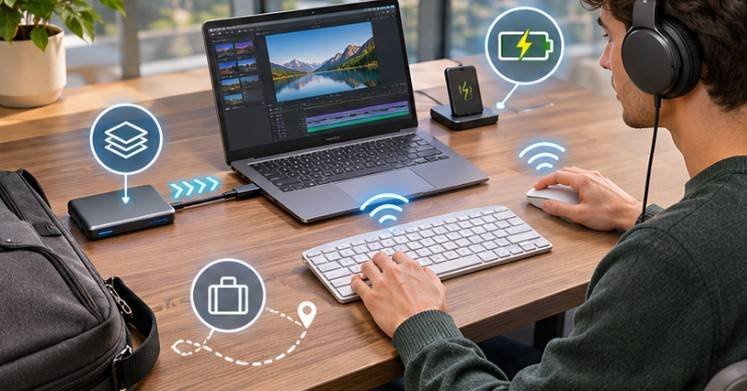
Wireless keyboards and mice are convenient for students, remote employees, and laptop owners. Bluetooth models preserve USB ports, while receiver-based gaming devices may offer more predictable performance. Wired models remain attractive for fixed workstations, shared computers, and budget-conscious purchases.
Headphones and Speakers
Wired headphones offer stable audio transmission without wireless pairing or charging concerns. They can be especially useful for recording, editing, and monitoring sound.
Wireless headsets are more convenient for video meetings, commuting, and moving around the office. However, Bluetooth audio delay and microphone quality vary depending on supported codecs and connection modes.
Storage Devices and Printers
External SSDs usually benefit from high-speed USB connections when transferring large videos, photos, or backups. Wireless storage offers convenient network access but depends on network performance.
Similarly, Wi-Fi printers allow household members to share one printer without repeatedly moving USB cables. A USB-connected printer may be simpler when only one computer needs access.
How to Choose the Right Accessories for Your Computer
Instead of buying everything wired or wireless, evaluate how each accessory supports your routine.
Step 1: Identify Your Most Important Task
For competitive gaming or time-sensitive audio production, prioritize measured latency and connection consistency. For travel, presentations, and flexible workspaces, portability may be more valuable.
Step 2: Check Your Computer’s Compatibility
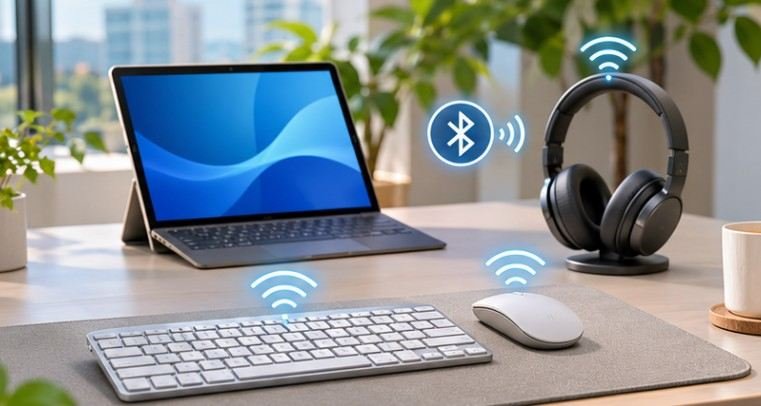
Examine available USB-A, USB-C, audio, and Bluetooth connections. A USB-C connector alone does not guarantee support for every transfer speed, video feature, or charging capability. Check operating-system compatibility, receiver requirements, and manufacturer specifications before purchasing.
Step 3: Calculate Long-Term Costs
Consider a hypothetical $25 wired mouse and a $45 wireless mouse. The wireless version costs $20 more initially, excluding any future battery expenses.
Over four years, that difference may be reasonable for daily portability, but unnecessary for a permanently installed desktop.
Step 4: Test Connection Reliability
Use your accessory normally for 15 minutes while other nearby wireless devices are active. Watch for cursor interruptions, missed keystrokes, sound dropouts, or delayed responses.
If problems occur, recharge the device, update drivers or firmware, move the USB receiver closer, and reduce nearby interference.
Frequently Asked Questions
1. Are wired accessories better for gaming?
Wired accessories provide predictable connections, but quality wireless gaming equipment can offer comparable responsiveness. Choose based on independent latency measurements, reliability, and comfort.
2. Do wireless computer accessories need Wi-Fi?
Not necessarily. Bluetooth and proprietary RF accessories connect directly to compatible hardware without an internet connection. Wi-Fi printers typically use a local network.
3. Can wireless accessories work while charging?
Some rechargeable peripherals support simultaneous charging and operation. Others cannot. Check the manufacturer’s specifications before purchasing.
4. Which accessories last longer, wired or wireless?
Lifespan depends on construction, usage, and maintenance. Wired devices avoid battery degradation, while wireless models may reduce cable wear. Neither connection type guarantees longevity.
Choose Performance Where It Matters
Understanding what is the difference between wired and wireless computer accessories helps prevent unnecessary spending and frustrating setup decisions.
Wired equipment remains valuable for uninterrupted operation, high-speed data transfers, and predictable performance. Wireless accessories offer convenience, portability, and cleaner workspaces without necessarily sacrificing everyday responsiveness.
For many American households and offices, combining both technologies is the smartest approach.
A wireless mouse and keyboard can improve workspace flexibility, while a wired external SSD or professional audio interface provides dependable performance for demanding tasks.
Ultimately, the best accessory is not the one with fewer cables. It is the one that makes your work easier without introducing problems.