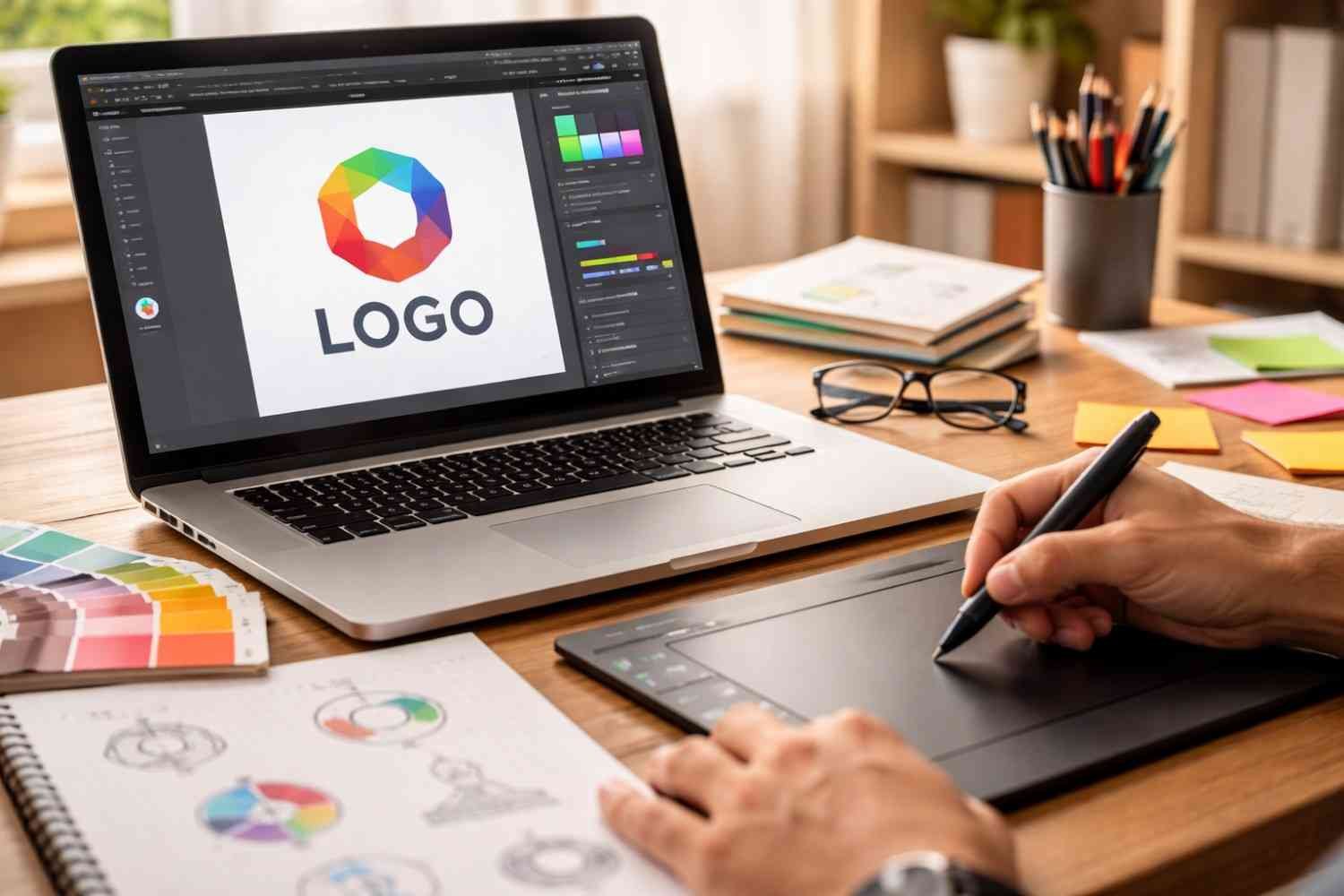
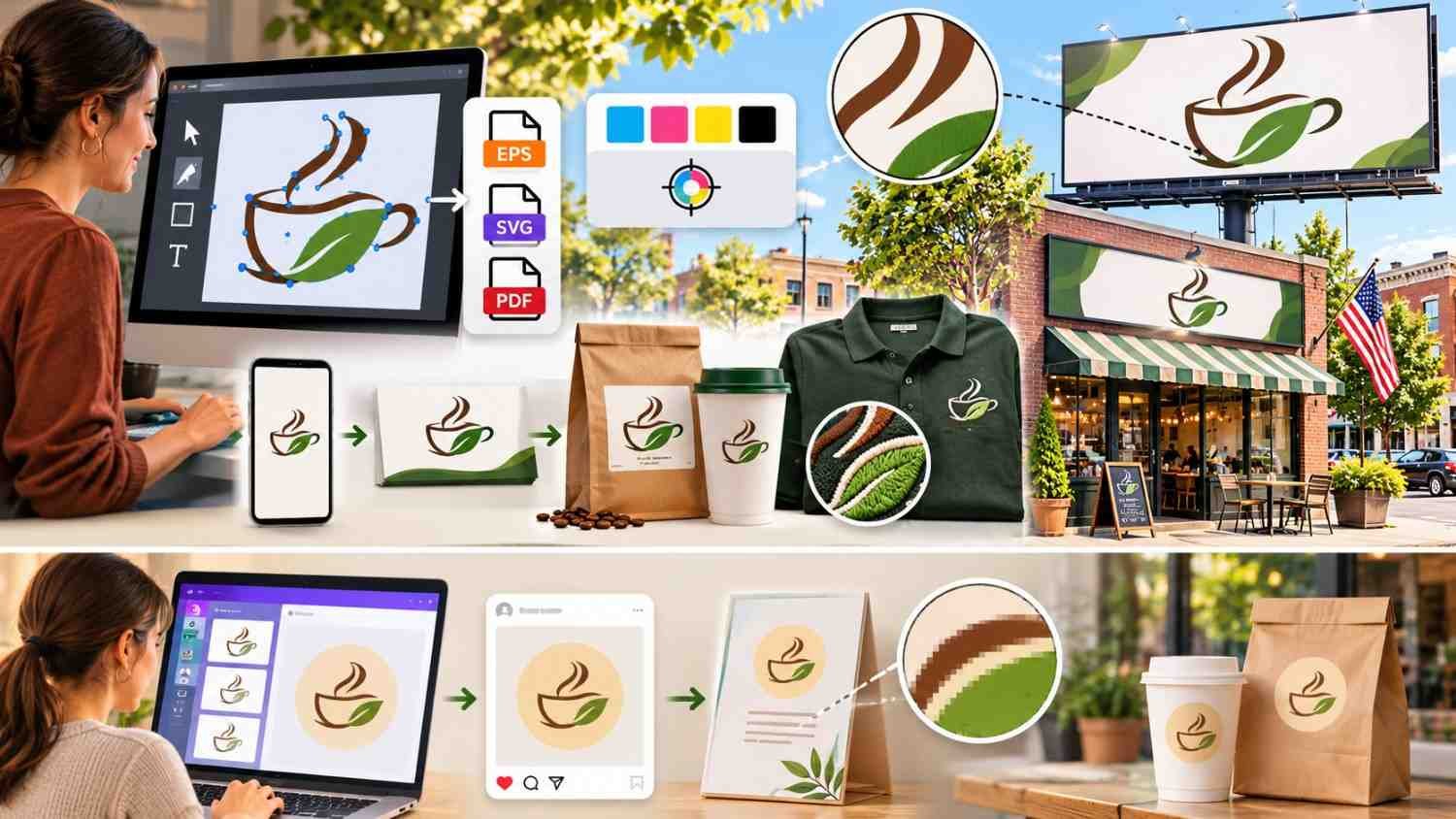
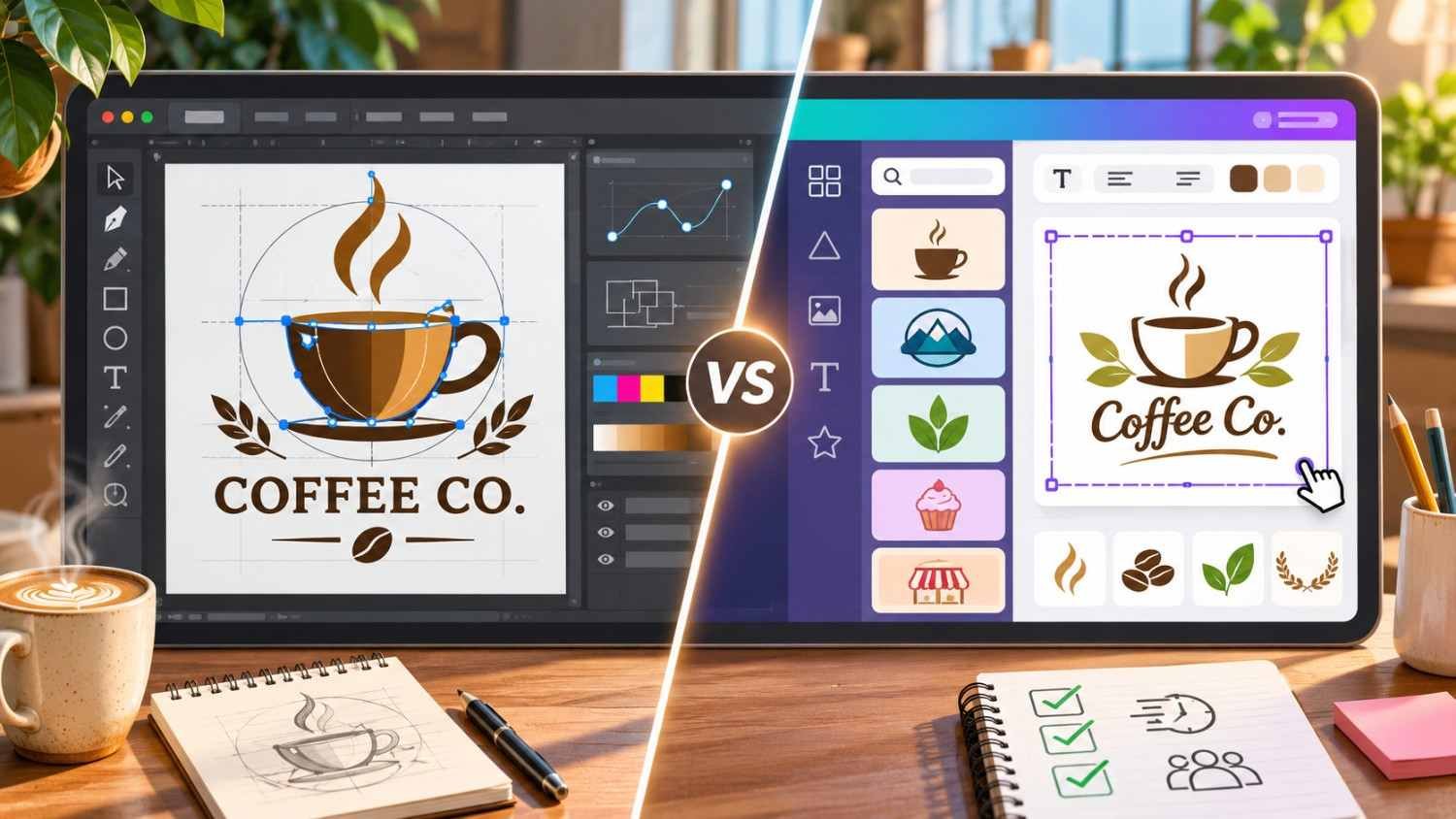
Choosing between Adobe Illustrator and Canva for logo design comes down to originality, creative control, and budget. Adobe Illustrator is the stronger choice for professional vector logos, while Canva offers a faster, beginner-friendly approach through customizable templates.
When I evaluate logo design software, I don’t just consider how attractive a design looks on a computer screen. I also think about whether it will work on business cards, storefront signs, merchandise, and packaging.
In this guide, I’ll compare both tools across features, vector quality, pricing, printing, and trademark protection to help US business owners make an informed decision.
Adobe Illustrator vs Canva: What Are the Main Differences?
Adobe Illustrator is professional vector graphics software designed for creating original illustrations, typography, and scalable artwork.
Canva focuses on accessible graphic design using templates, drag-and-drop controls, and ready-made visual elements.
Here’s how they compare:
| Feature | Adobe Illustrator | Canva |
| Best for | Professional logo designers | Beginners and entrepreneurs |
| Vector editing | Advanced, precise controls | Limited custom path editing |
| Scalability | Native scalable vectors | Depends on artwork and export |
| Customization | Extensive | Template-oriented |
| Learning curve | Steeper | Easy |
| Print production | Advanced CMYK and spot-color workflows | Basic print-ready exports |
| Trademark suitability | Supports original designs | Stock elements can restrict exclusivity |
| Pricing | Paid subscription | Free and paid plans |
For professional brand identities, I prefer Illustrator because it offers greater control. However, Canva is convenient when speed matters more than advanced customization.
Why Is Adobe Illustrator Better for Professional Logo Design?
Illustrator is widely used in professional graphic design because it allows designers to create artwork from scratch.
Unlike template-oriented tools, it provides detailed control over shapes, curves, lettering, and composition.
How Does Illustrator Offer More Creative Freedom?
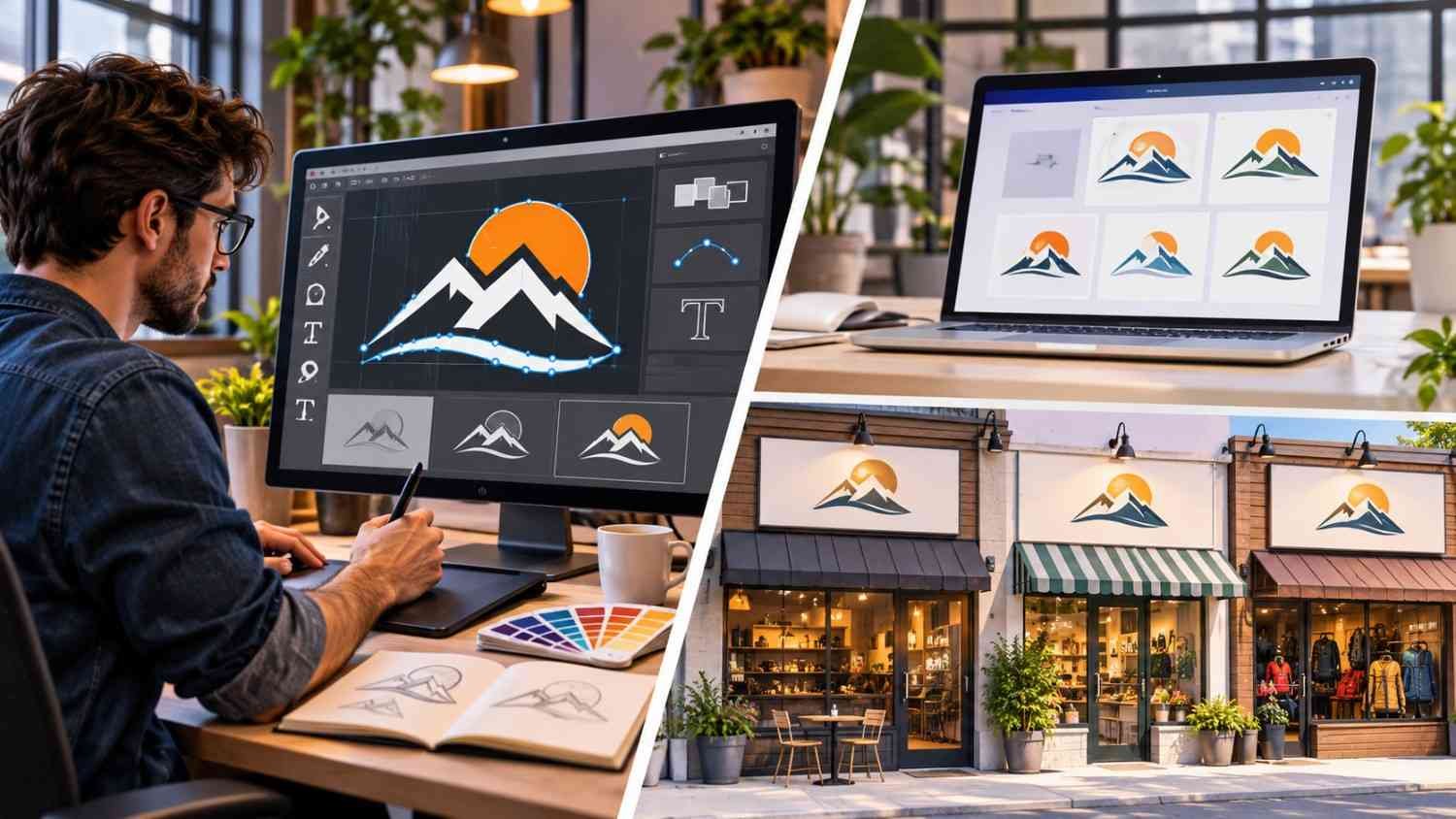
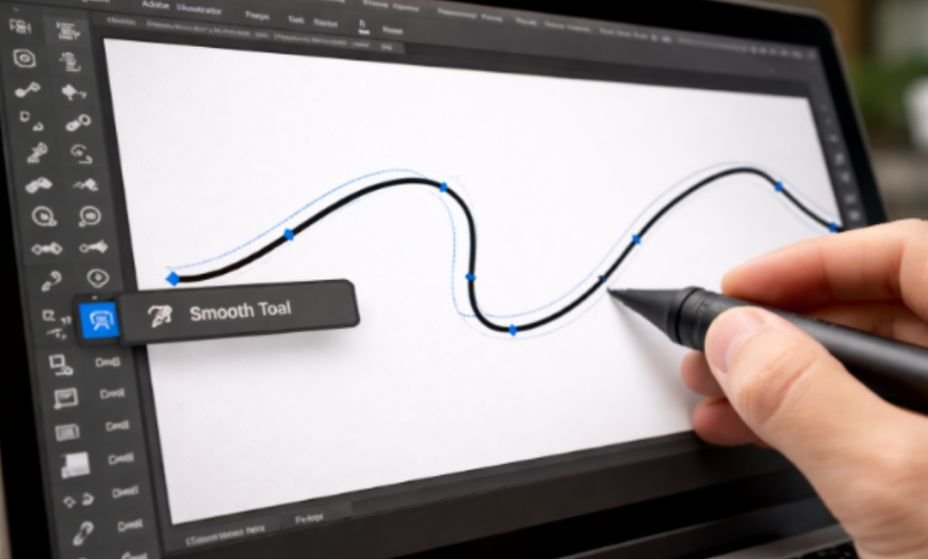
Illustrator includes the Pen Tool, Shape Builder, Pathfinder, and Direct Selection Tool.
These features allow designers to manipulate individual anchor points, adjust Bézier curves, merge geometric shapes, and create custom letterforms.
For example, if I were designing a logo for a California coffee company, I could combine an original coffee-inspired symbol with custom typography rather than modify an existing template.
Discussions among designers and marketers on Reddit also highlight Illustrator’s flexibility for custom branding.
Why Are Vector Graphics Important for Logo Quality?
Illustrator creates mathematical vector paths that remain sharp regardless of size.
A vector logo can scale from a small website icon to a billboard without the pixelation associated with enlarging low-resolution raster images.
Canva can also export SVG files on eligible plans, but some designs contain raster elements. Consequently, not every Canva export provides the same scalability or editing flexibility as native Illustrator artwork.
For professional branding, I recommend retaining editable source files alongside final exported assets.
Is Canva Good for Beginners and Small Business Logos?
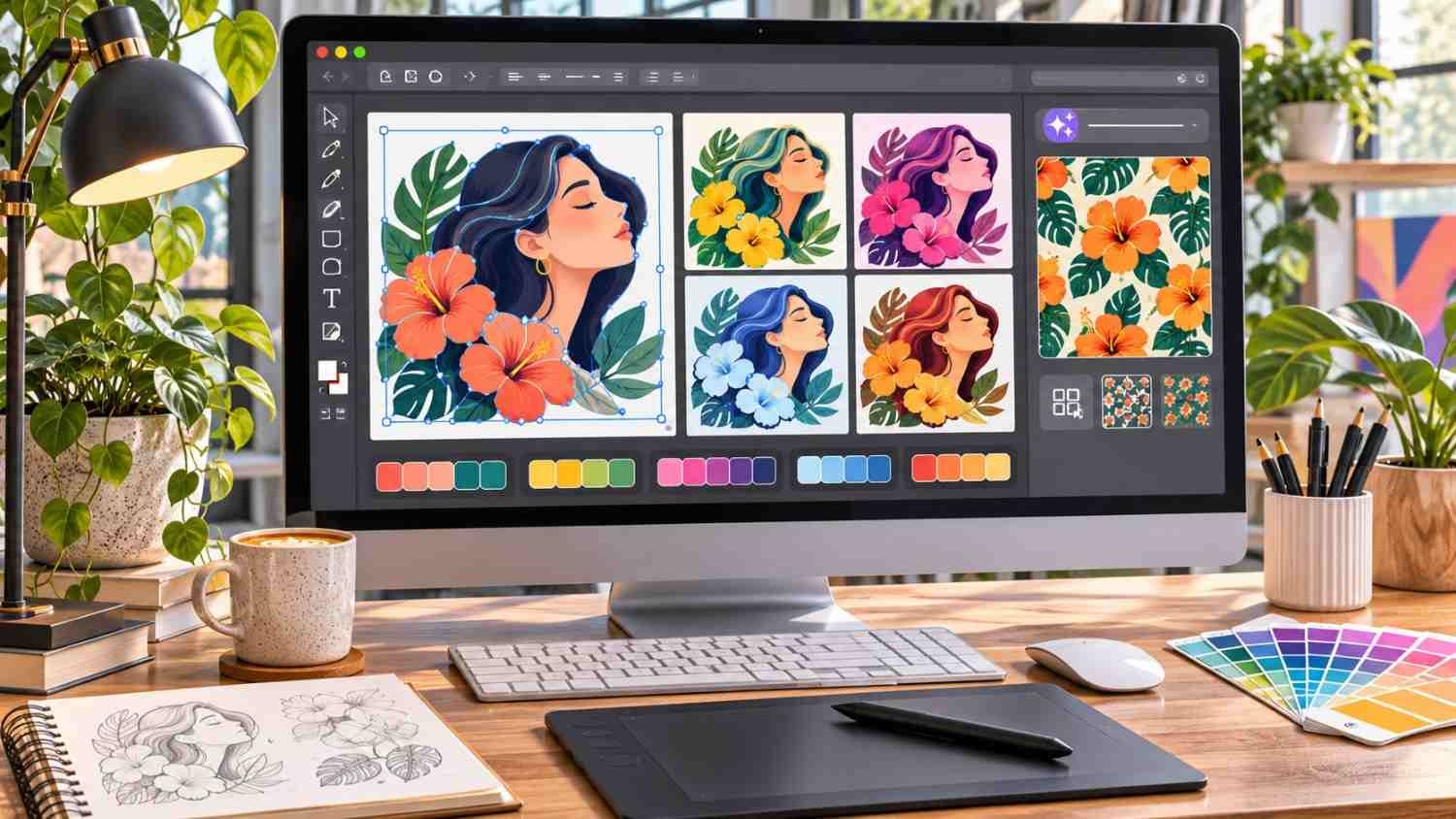
Canva is an excellent starting point for entrepreneurs who need attractive graphics without learning complex software.
Its logo maker includes customizable templates, fonts, colors, and layout elements.
Why Is Canva Easier Than Illustrator?
Canva uses intuitive drag-and-drop controls, allowing beginners to create designs without understanding vector paths or advanced illustration techniques.
For instance, a small bakery in Texas could assemble a simple wordmark and matching promotional materials in one session.
I particularly like Canva for side projects, early-stage businesses, and temporary branding concepts.
However, widely available templates can produce similar-looking logos across unrelated businesses. That makes originality an important consideration before adopting a design permanently.
Which Software Produces Better Print-Ready Logos?
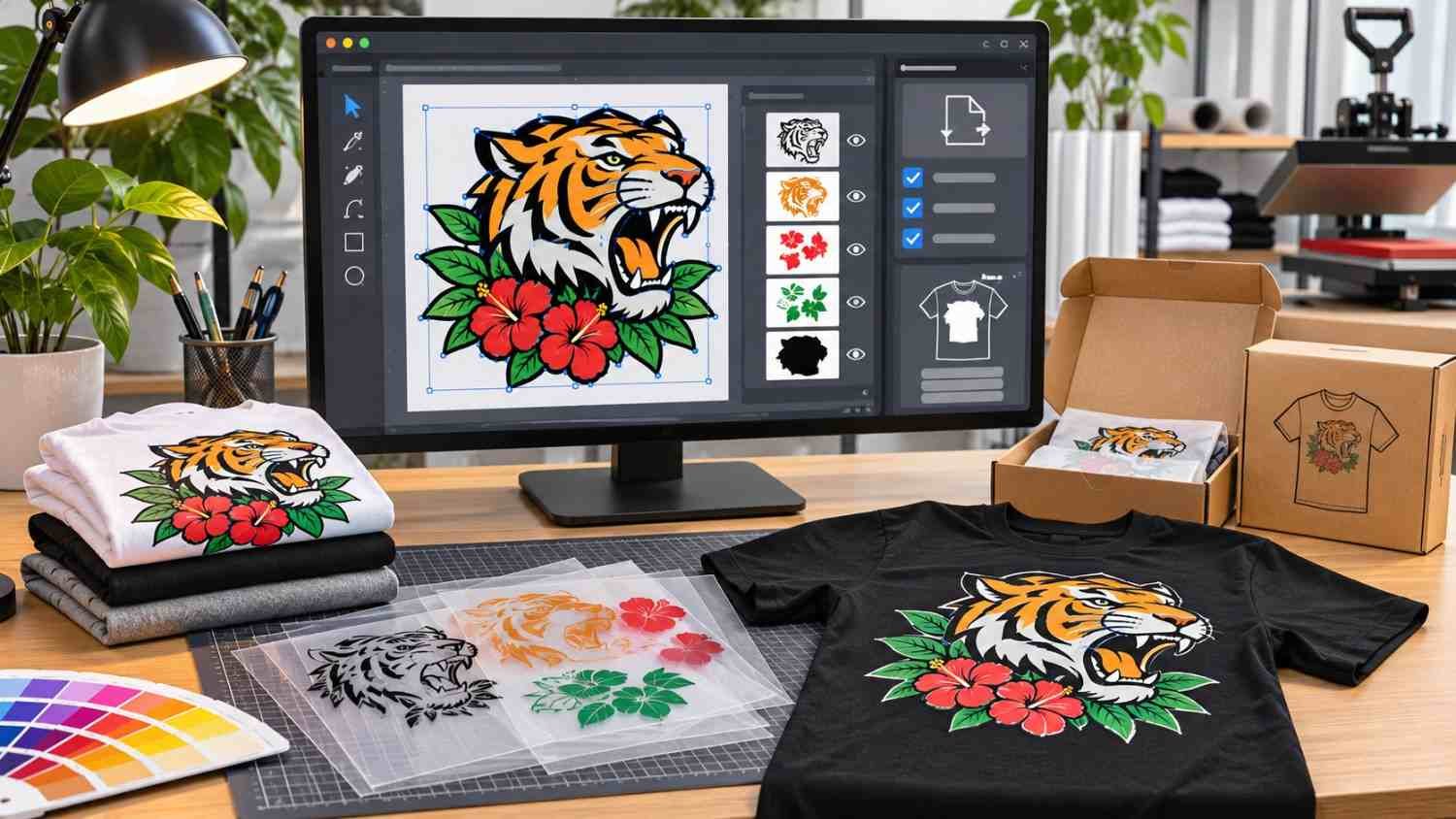
Illustrator offers stronger professional print-production capabilities through CMYK color workflows, vector PDFs, EPS files, and spot-color management.
These features matter when preparing logos for product packaging, embroidered uniforms, business cards, or large-format printing.
Pantone colors can also support consistent brand reproduction, although access to certain Pantone libraries requires separate licensing or integration.
Canva supports print-ready PDF exports and suitable color options, but it provides less detailed production control.
If I were preparing a logo for nationwide retail packaging, I would choose Illustrator for its precision and flexibility.
Canva vs Illustrator Pricing: Which Is More Affordable in the US?
Pricing is another major difference in the Canva logo maker vs Illustrator comparison.
Adobe lists Illustrator at approximately $22.99 per month on an annual subscription billed monthly.
Canva offers a free plan, while Canva Pro costs approximately $12 per month when billed annually or $18 on a month-to-month subscription in the US.
Prices and promotional offers can change, so I recommend checking Adobe’s plans and Canva’s pricing before subscribing.
Canva is generally more affordable for occasional projects. Illustrator offers greater value for freelancers and agencies regularly creating professional vector artwork, especially those who frequently use image trace in Illustrator to convert raster images into scalable vector designs.
Can You Trademark a Logo Created in Canva?
Trademark protection deserves attention when building a permanent business identity.
According to Canva’s official guidance, its stock library graphics generally aren’t suitable for exclusive trademark claims because other users can access the same assets.
However, qualifying original artwork, basic shapes, and permitted fonts can form part of a potentially registrable logo.
Illustrator provides the freedom to develop original artwork, but using the software doesn’t automatically establish ownership or trademark eligibility.
Before investing in a permanent brand, I recommend conducting a search through the United States Patent and Trademark Office.
For businesses planning substantial growth, original logo design and proper trademark clearance are particularly valuable.
Should Freelancers and Startups Choose Illustrator or Canva?
The best software for logo design depends on the business’s long-term goals.
For professional freelancers, I recommend Illustrator because it supports custom vector graphics, editable client files, and detailed brand identity development.
For startups operating on limited budgets, Canva can provide a practical temporary logo while the business establishes its identity.
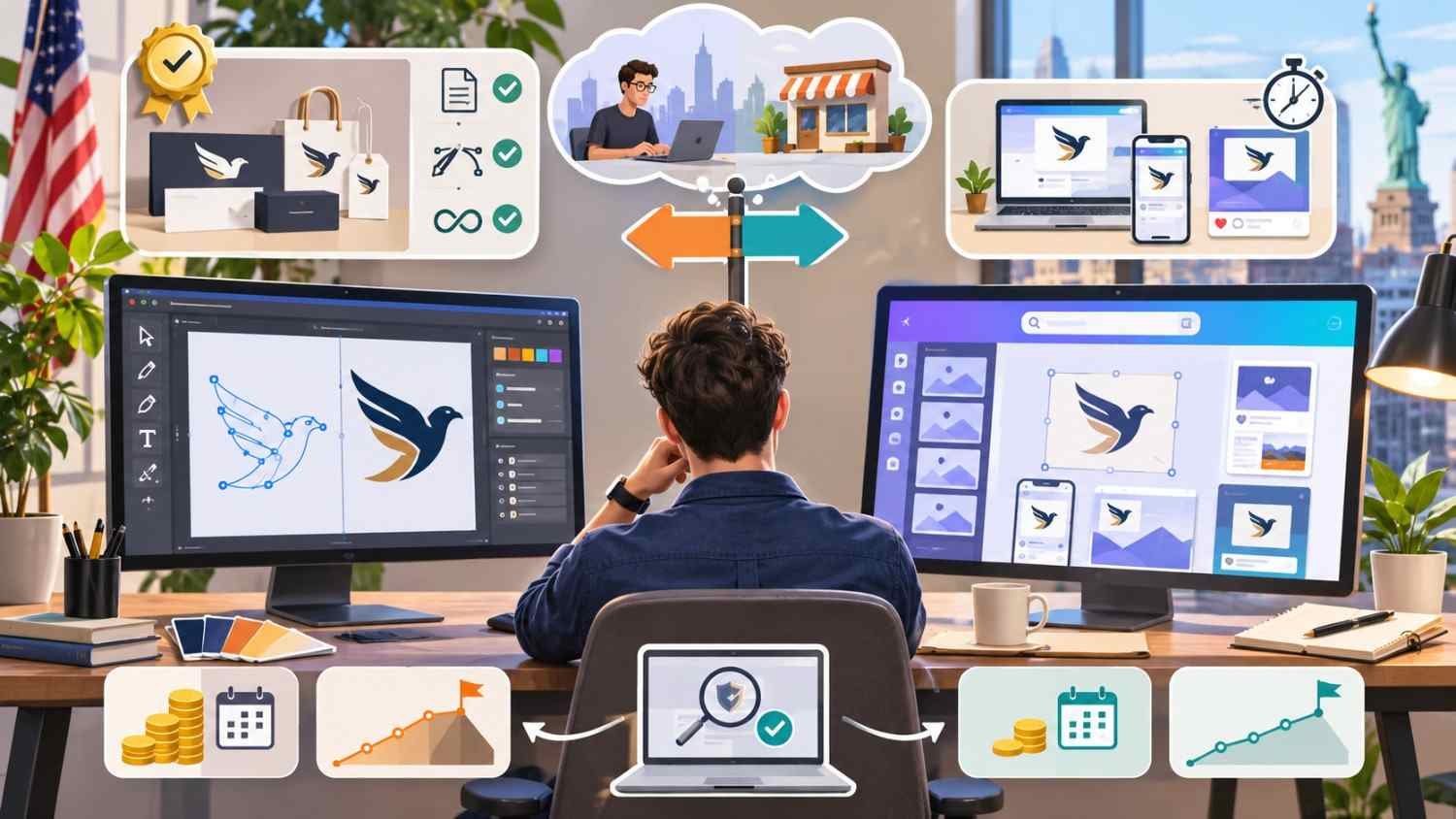
Businesses can also combine both platforms. I would create the original logo in Illustrator and then import it into Canva for presentations, social media graphics, and marketing materials.
This workflow combines precise logo creation with convenient everyday design.
Frequently Asked Questions (FAQs)
1. Is Adobe Illustrator better than Canva for logo design?
Yes, Illustrator offers more advanced vector editing, custom typography, and professional production tools. Canva is easier for beginners who need straightforward designs.
2. Can Canva create professional vector logos?
Canva can export SVG files with eligible plans. However, scalability and editability depend on the underlying design elements.
3. Can I legally trademark a Canva logo in the US?
Potentially, but logos containing Canva stock graphics generally cannot support exclusive trademark claims. Original designs may qualify, subject to licensing and trademark requirements.
4. Should beginners learn Illustrator or start with Canva?
I recommend Canva for quick results and Illustrator for anyone planning to develop professional graphic design or logo creation skills.
Final Verdict: Is Illustrator Better Than Canva for Logos?
After comparing Adobe Illustrator vs Canva for logo design, my recommendation is Illustrator for professional, original, scalable brand identities.
Canva remains useful for beginners, small businesses, and quick template-based projects.
If you’re building a long-term US business, investing in distinctive vector artwork can provide more flexibility across printing, packaging, and future branding.
Ultimately, Illustrator wins for advanced logo creation, while Canva wins for accessibility and convenience.