
When I built my first gaming PC, I made a common beginner mistake. I installed a single 16GB RAM stick and assumed my system was running at full potential.
Later, I discovered that my computer was running in single channel mode, which meant I was not getting the best performance possible.
That moment pushed me to understand the real difference between dual channel vs single channel RAM. What I found surprised me. In many situations, simply switching to a dual channel configuration can noticeably improve system speed and gaming performance.
If you are building a PC, upgrading memory, or trying to boost gaming performance, understanding dual channel vs single channel RAM can help you make a smarter decision.
In this guide, I will break down how both configurations work and which option is better for your setup.
Key Takeaways
- Dual channel RAM increases memory bandwidth and improves system performance.
- Single channel RAM works but limits data transfer between CPU and memory.
- Gaming FPS can improve by 5–20% when switching to dual channel RAM.
- Installing two identical RAM sticks usually enables dual channel mode automatically.
What Is RAM Channel Configuration?
Before comparing dual channel vs single channel RAM, it helps to understand what RAM channels actually are.
A memory channel is essentially the communication path between your computer’s CPU and RAM. When your system loads a game or runs software, the processor constantly reads and writes data to memory.
If your system only uses one memory channel, the processor can access data through a single pathway. When the system uses two memory channels, the processor can access two data streams simultaneously.
Think of it like a highway. A single lane allows fewer cars to pass through, while two lanes allow traffic to move faster. The same idea applies to RAM channels.
What Is Single Channel RAM?
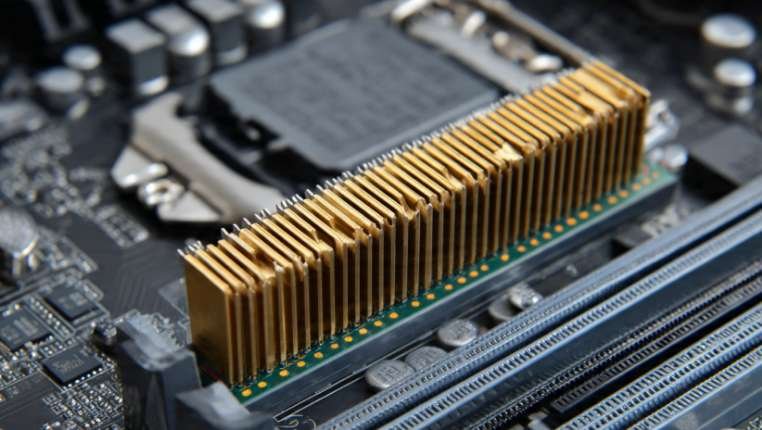
Single channel RAM means the system communicates with memory using one channel.
This configuration usually occurs when a computer has only one RAM module installed. For example, a system with one 16GB RAM stick typically runs in single channel mode.
Single channel memory works perfectly fine for everyday tasks such as:
- browsing the internet
- watching videos
- working with documents
However, when running demanding software or games, the limited bandwidth can slow down performance.
Because the CPU can only access memory through one pathway, it may take longer to retrieve data during heavy workloads.
What Is Dual Channel RAM?
Dual channel RAM allows the CPU to communicate with memory through two separate channels simultaneously.
When I upgraded my PC from a single 16GB stick to two 8GB sticks, the motherboard automatically enabled dual channel mode. This configuration doubled the available memory bandwidth.
With dual channel memory, the processor can read and write data much faster. This leads to improvements in:
- gaming performance
- multitasking
- data processing speed
- system responsiveness
Most modern desktop motherboards and many laptops support dual channel memory configurations.
Dual Channel vs Single Channel RAM Performance
The biggest difference between dual channel vs single channel RAM appears when you compare real performance.
Hardware benchmarks consistently show that dual channel memory provides higher bandwidth than single channel setups.
| RAM Configuration | Memory Bandwidth | Performance Impact |
| Single Channel | Lower | Reduced performance |
| Dual Channel | Higher | Faster system response |
In many applications, the improvement may not seem dramatic. But in workloads that rely heavily on the CPU and memory, the difference becomes noticeable.
For example, gaming engines that process large environments or physics calculations often benefit from increased memory bandwidth.
Does Dual Channel RAM Increase Gaming FPS?
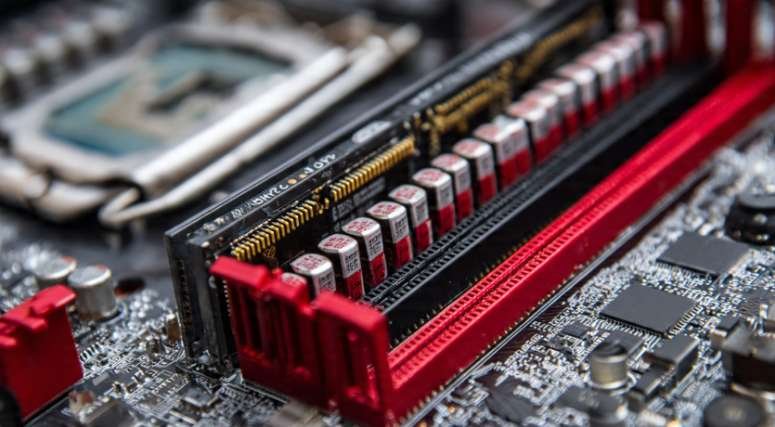
Many gamers ask whether dual channel RAM increases FPS, and the answer is often yes.
In games where the CPU needs to constantly pull data from memory, faster memory bandwidth can improve frame rates.
From my own experience and benchmark tests from hardware reviewers, dual channel RAM can improve gaming performance by:
- 5–10% in GPU-heavy games
- 10–20% in CPU-bound games
Games that typically benefit from dual channel RAM include:
- Fortnite
- Counter-Strike 2
- Assassin’s Creed titles
- strategy or simulation games
These improvements occur because the processor can access game data faster when memory bandwidth increases.
How to Check If Your PC Uses Dual Channel RAM
If you already own a computer, checking whether it runs in dual channel mode is simple.
Method 1: Using Task Manager
You can check your memory configuration directly in Windows.
- Open Task Manager
- Select the Performance tab
- Click on Memory
If the system shows Dual Channel, your RAM is configured correctly.
Method 2: Using CPU-Z Software
CPU-Z is a free system information tool that displays detailed hardware information.
After installing CPU-Z:
- Open the application
- Navigate to the Memory tab
- Look for the channel configuration
The software will display whether your system is running single channel or dual channel memory.
Should You Upgrade from Single Channel to Dual Channel?
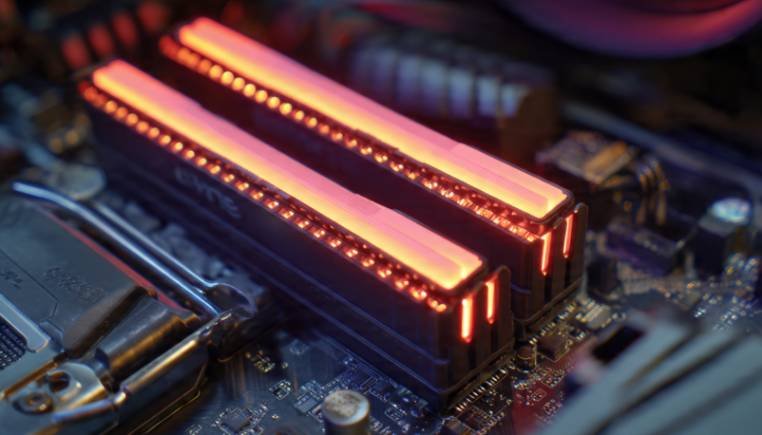
If your system currently runs in single channel mode, upgrading to dual channel RAM can be a simple way to improve performance.
I usually recommend upgrading if:
- you play modern games
- you use productivity software
- you run multiple programs at once
The easiest way to enable dual channel mode is to install two identical RAM modules.
For example:
- upgrade from 1×16GB to 2×16GB
- upgrade from 1×8GB to 2×8GB
Matching RAM modules ensures stability and allows the motherboard to activate dual channel mode automatically. For this you need to know how to upgrade RAM.
Frequently Asked Questions
1. Is dual channel RAM better than single channel RAM?
Yes. Dual channel RAM provides high memory bandwidth, which can improve system performance, multitasking, and gaming.
2. Does dual channel RAM increase gaming FPS?
Yes, in many cases dual channel RAM can increase gaming FPS by 5–20%, especially in CPU-heavy games.
3. Can I mix different RAM sticks for dual channel?
Mixing RAM modules sometimes works, but identical RAM sticks with the same speed and capacity offer the best compatibility.
4. Do laptops support dual channel RAM?
Many laptops support dual channel memory if they include two RAM slots or a combination of soldered memory and an additional slot.
5. Is 16GB dual channel RAM enough for gaming?
Yes. A 16GB dual channel setup (2×8GB) is considered the ideal configuration for most modern games.
The Real Verdict: Which RAM Setup Should You Choose?
After comparing dual channel vs single channel RAM, the choice becomes fairly clear.
Single channel memory still works, but it limits the performance potential of modern processors. Dual channel RAM allows the CPU to access memory faster, which improves overall system responsiveness and gaming performance.
From my experience building and upgrading PCs, switching to dual channel RAM is one of the simplest and most cost-effective upgrades you can make.
If your motherboard supports it, installing two matching RAM modules will help you unlock better performance and ensure your system runs smoothly during demanding workloads and games.