I started to explore digital illustration for beginners. Then I assumed I needed expensive equipment, professional software, and years of drawing experience before I could create something meaningful. That assumption slowed me down more than anything else.
Once I simplified my approach and focused on the fundamentals, progress became much faster and far more enjoyable. What helped me most was learning a clear workflow, understanding a few essential tools, and practicing consistently instead of chasing perfection.
What Is Digital Illustration?
Digital illustration is artwork created using digital devices and software instead of traditional materials like pencils, paints, or markers. Artists typically draw on tablets, computers, or mobile devices using styluses and drawing applications designed for illustration.
The biggest advantage of digital art is flexibility. You can undo mistakes instantly, organize your artwork using layers, experiment with colors quickly, and refine your work without restarting from scratch.
Why Digital Illustration Is Growing So Quickly
Digital illustration has become increasingly popular because it removes many of the barriers that traditional art once had. Instead of buying new supplies constantly, artists can create endless variations using a single digital setup.
Another reason it continues to grow is accessibility. Beginners can learn from tutorials, online communities, and practice exercises that make the learning process easier than ever before, including understanding the principles of design for beginners that help improve composition and visual balance.
Choosing a Beginner-Friendly Setup
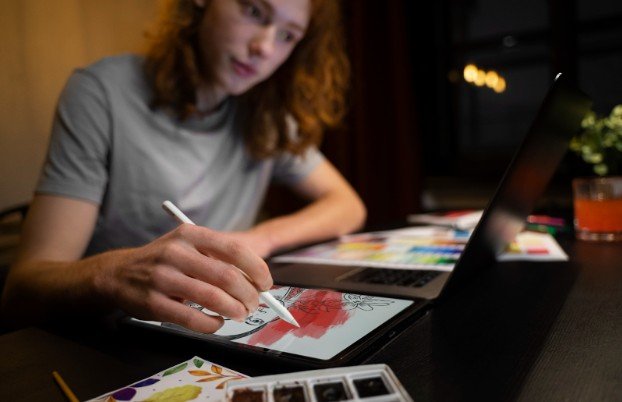
You do not need a complicated studio to begin digital art. A simple and comfortable setup can help you focus on creativity instead of worrying about technical details.
Tablet and Computer Setup
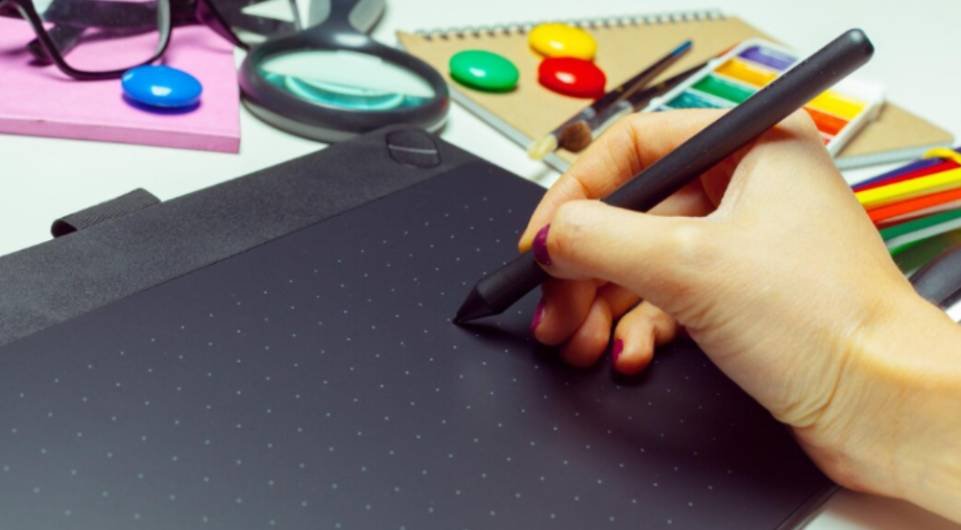
Many beginners start with a drawing tablet connected to a laptop or desktop computer. This setup allows you to draw using professional software while keeping costs relatively manageable. A tablet gives you pressure-sensitive control over your brush strokes, making digital drawing feel closer to traditional sketching, making it easier to start digital art with confidence.
All-in-One Drawing Devices
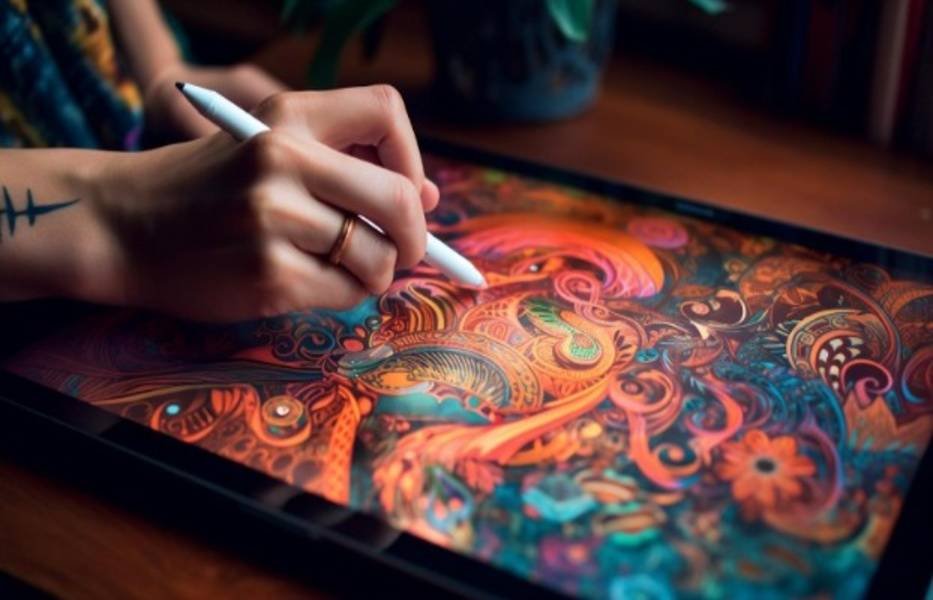
Another option is a tablet device that allows you to draw directly on the screen. These devices are popular because they provide a natural drawing experience and simplify the learning process. Many beginners prefer this method because it removes the coordination challenge of drawing on one surface while looking at another screen.
Choosing the Right Stylus
The stylus acts as your digital pencil or brush. A good stylus should feel comfortable in your hand and support pressure sensitivity so your lines vary naturally as you draw. Even a basic stylus for your ipad can work well for beginners, as long as it responds accurately to your movements.
Software That Works Well for Beginners
Selecting drawing software can feel overwhelming at first because there are many options available. However, most beginner-friendly programs share a few essential features that make learning easier. Good illustration software usually includes simple brush tools, layer management, color selection tools, and export options for sharing artwork.
Instead of installing multiple programs immediately, I found it helpful to learn one application thoroughly before exploring others. Mastering one tool builds confidence and speeds up the learning process.
Essential Skills Every Beginner Should Learn
Software alone does not create strong illustrations. Understanding a few core artistic principles will make a much bigger difference in your results.
Basic Drawing Fundamentals
Learning how to construct shapes, proportions, and simple forms helps create a solid foundation for every illustration. Even complex artwork usually begins with basic shapes and rough sketches. Practicing digital line control and sketching regularly improves your ability to translate ideas into clear visuals.
Color Understanding
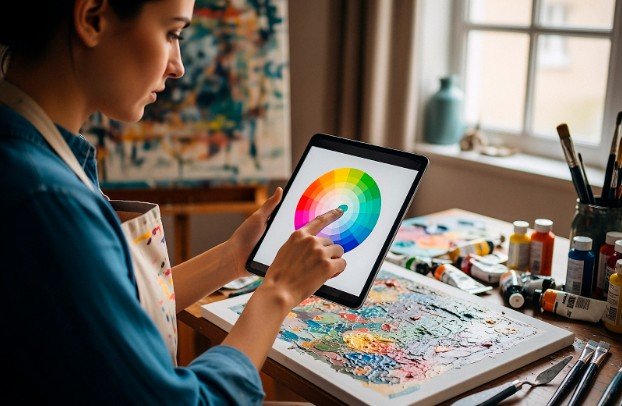
Color plays a powerful role in illustration because it shapes mood, depth, and emphasis. Beginners often benefit from starting with limited color palettes rather than overwhelming themselves with too many options. By studying how colors interact, you can create stronger and more visually balanced artwork in digital art.
Lighting and Depth
Understanding light sources helps transform flat drawings into images with dimension. Simple shadows and highlights can dramatically improve the realism and clarity of a piece. Even minimal shading can guide the viewer’s eye toward important parts of the illustration.
Composition
Composition determines how elements are arranged within an image. A thoughtful composition ensures the viewer understands where to look first and how to navigate the artwork. Beginners often improve quickly when they learn to plan their layout before adding details.
A Simple Workflow That Produces Clean Results
Having a structured workflow makes digital art or drawing much easier to manage. When I began practicing regularly, following a step-by-step process helped me stay organized and avoid unnecessary frustration.
1. Start With a Rough Sketch
Begin by sketching your idea loosely. At this stage the goal is to capture the overall concept rather than perfect details. Rough sketches help you explore proportions and placement before committing to final lines.
2. Refine the Drawing
Lower the opacity of your rough sketch and create a new layer for cleaner line work. This allows you to refine shapes and improve the structure of the illustration. Working in layers ensures that earlier sketches remain available if you need to adjust something later.
3. Add Base Colors
Apply flat colors to different sections of your drawing. Separating colors into layers helps keep the artwork organized and makes adjustments easier. Flat colors also reveal whether the composition and color balance are working properly.
4. Introduce Shadows and Highlights
Adding shadows and highlights creates depth and visual interest. Even simple shading can make a drawing feel more polished. Focus on a consistent light direction so the illustration appears cohesive.
5. Final Refinement
After shading and coloring, you can adjust edges, smooth transitions, and enhance details. This final stage often involves subtle improvements rather than major changes. Zooming out periodically helps you evaluate how the artwork looks as a whole.
How to Learn Digital Illustration Without Feeling Overwhelmed
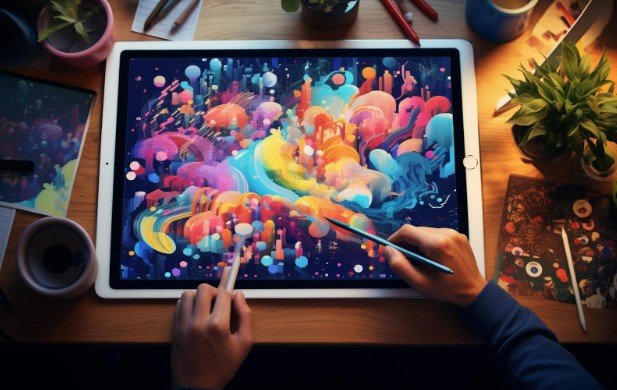
Learning digital illustration for beginners becomes much easier when you break the process into manageable steps. Instead of trying to master every skill immediately, focus on one concept at a time. A gradual learning order might include sketching simple shapes, understanding layers, practicing color fills, adding shadows, and experimenting with composition.
This progression builds confidence while avoiding unnecessary complexity. Consistent practice over time usually produces better results than trying to learn everything in a short burst.
Common Beginner Mistakes to Avoid
Many beginners repeat the same mistakes during the early stages of learning. Recognizing these challenges early can save time and frustration. One common mistake is purchasing expensive tools before understanding the basics. While better equipment can help, strong skills matter far more than advanced devices.
Another mistake is using too many brushes or settings at once. Simplifying your toolset allows you to concentrate on technique instead of constant experimentation. Finally, beginners sometimes avoid using reference images because they think it feels like cheating. In reality, references are valuable learning tools that improve accuracy and understanding.
A 30-Day Practice Plan for Beginners
Structured practice can accelerate improvement because it encourages consistency. A simple month-long routine helps build confidence while strengthening fundamental skills. During the first week, focus on learning your software interface and experimenting with brushes and layers. Understanding the tools will make later practice sessions much smoother.
In the second week, practice drawing simple objects using basic shapes. Everyday items such as cups, plants, or furniture provide excellent practice subjects. The third week can focus on color and shading techniques. Try adding simple highlights and shadows to your drawings to create more depth.
During the final week, create several finished illustrations that combine everything you have learned. Completing small projects helps reinforce skills and builds a beginner portfolio.
Building Your First Portfolio
Creating a small portfolio is a useful way to track progress and showcase your abilities. Instead of producing dozens of illustrations, focus on a few polished examples.
A balanced beginner portfolio might include a character illustration, a simple object drawing, a small environment, and a piece that emphasizes color and lighting. Over time, you can refine these pieces or replace them with stronger work as your skills improve.
Frequently Asked Questions
1. Do I need expensive equipment to start digital illustration?
No. Many beginners successfully start with simple drawing tablets or mobile devices. As long as your device supports stylus input and drawing software, you can begin practicing effectively.
2. How long does it take to improve at digital illustration?
Improvement depends largely on practice consistency. With regular drawing sessions and focused study, beginners often notice meaningful progress within a few months.
3. Is traditional drawing experience required?
Traditional drawing skills can help, but they are not mandatory. Many artists begin learning directly in digital environments and gradually develop strong foundational skills.
4. What should I draw as a beginner?
Start with simple subjects like household objects, plants, animals, or basic characters. These subjects allow you to practice shape, color, and shading without becoming overwhelmed.
Final Thoughts
Looking back at my early experiences, I realize that progress in art comes from patience and steady practice rather than perfect conditions. Once I stopped worrying about equipment and focused on learning the fundamentals, improvement felt much more natural.
If you are beginning your journey with digital illustration for beginners, remember that every artist starts somewhere. The key is to keep practicing, stay curious, and enjoy the process of turning ideas into visual creations.