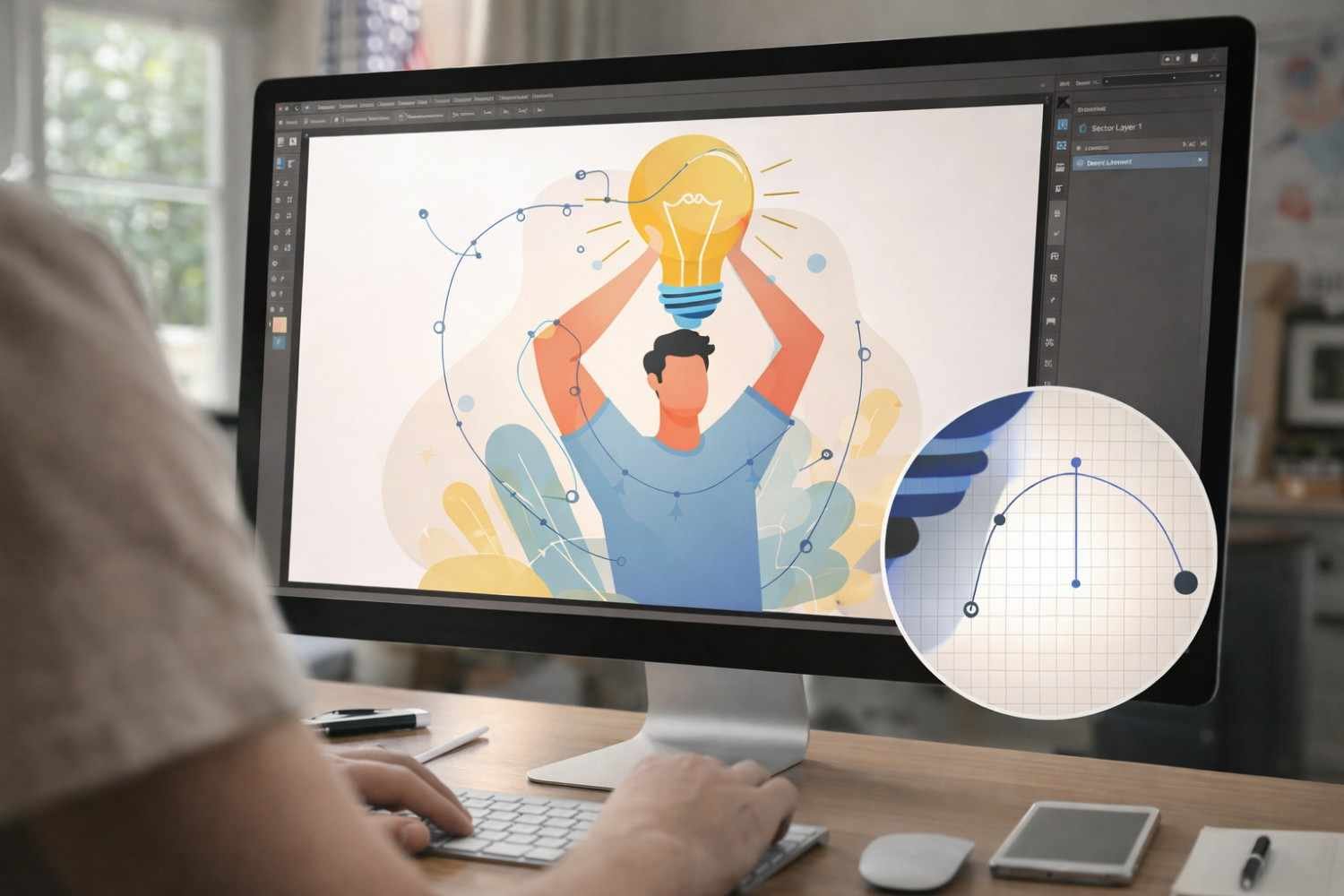
Digital design changed the moment designers stopped thinking only in pixels and started working with shapes that could scale endlessly. I remember the first time I resized a logo and watched it stay perfectly sharp at every size. That moment usually surprises beginners. You expect images to blur when enlarged, but vector graphics behave differently.
Vector illustration sits at the center of modern digital design. From brand logos and mobile icons to large outdoor signage, designers rely on vectors to maintain clarity and consistency. Understanding how vector illustrations work makes it much easier to understand why certain graphics stay sharp on every screen and print surface.
What Is Vector Illustration
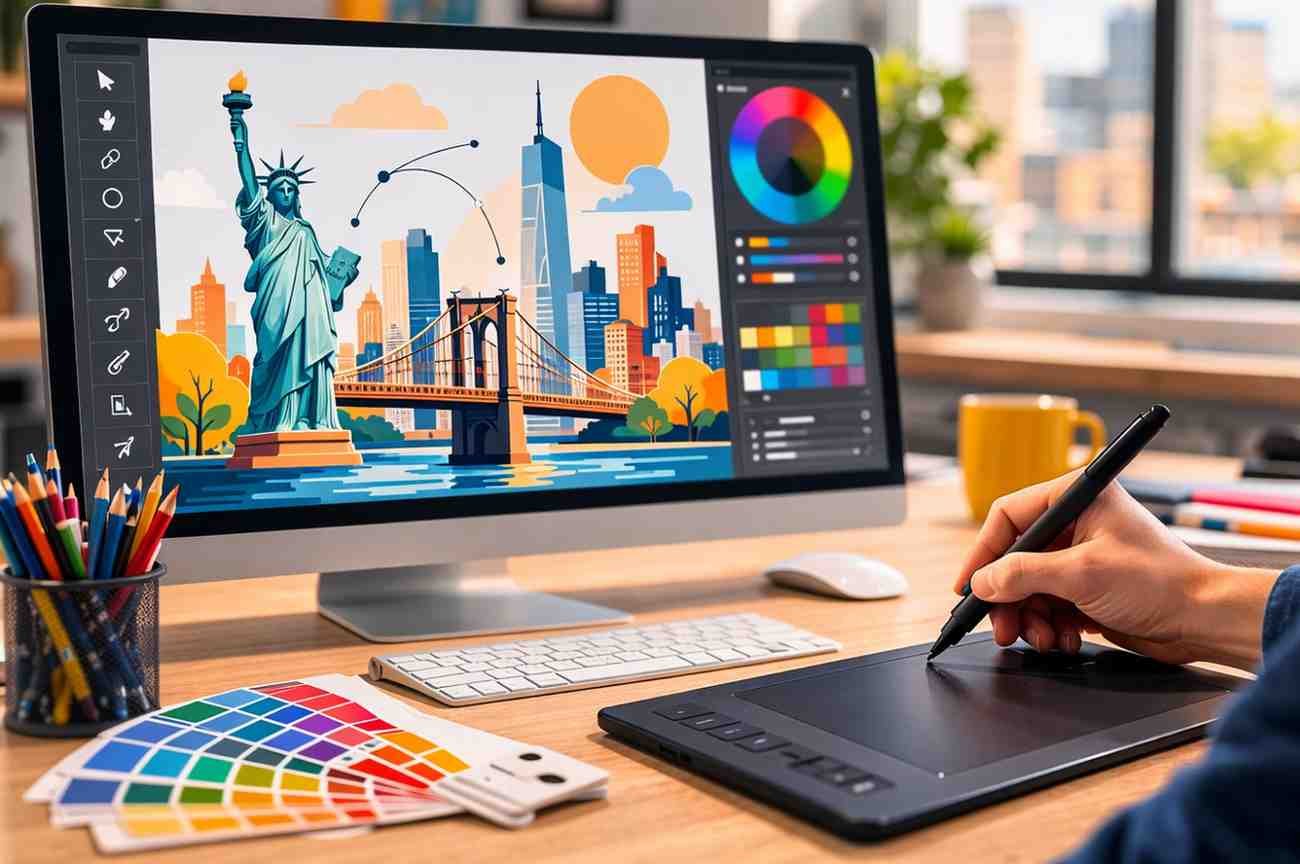
Vector illustration is a method of creating digital images using mathematical equations that define points, lines, curves, and shapes on a coordinate plane. Instead of relying on colored pixels like traditional images, vector graphics use geometric paths that software can redraw at any size.
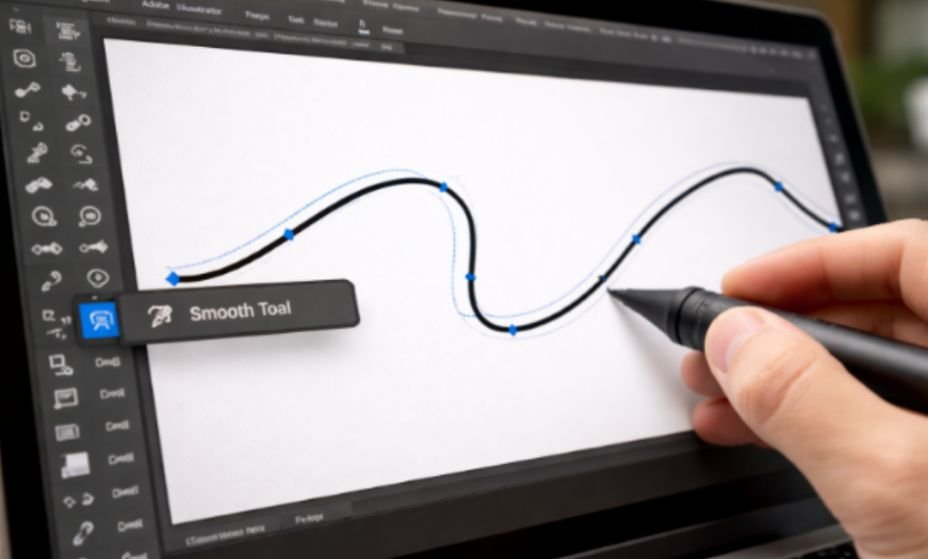
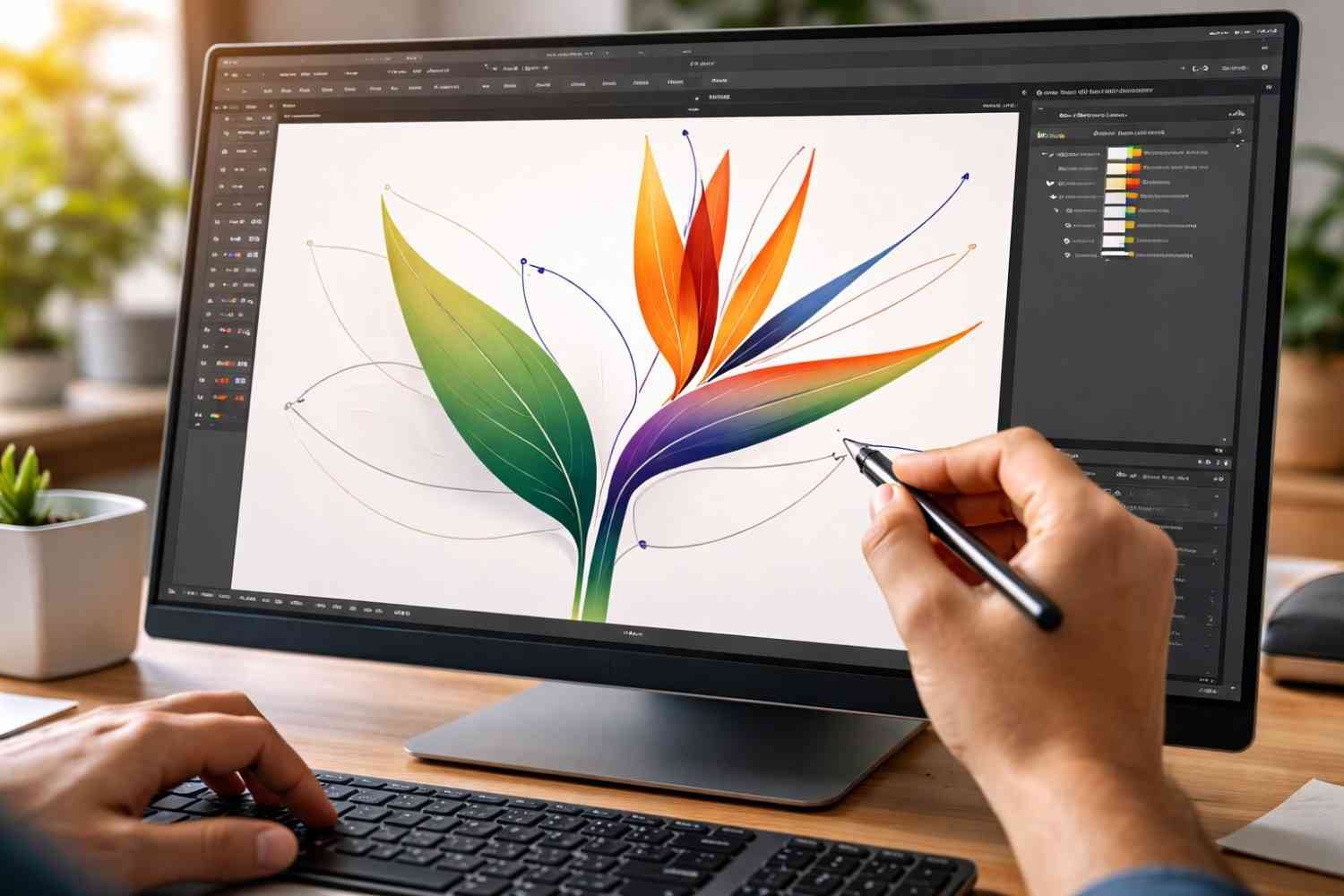
This structure is what makes vector illustrations resolution-independent. A vector image can be enlarged, reduced, or reshaped without losing clarity. Designers typically create vector artwork using tools like Adobe Illustrator or similar vector design software that allows them to manipulate anchor points and paths.
Because of this mathematical structure, vector graphics are widely used in professional design environments. Logos, icons, typography, and brand illustrations are often created as vectors so they remain crisp in every format.
How Vector Illustrations Actually Work
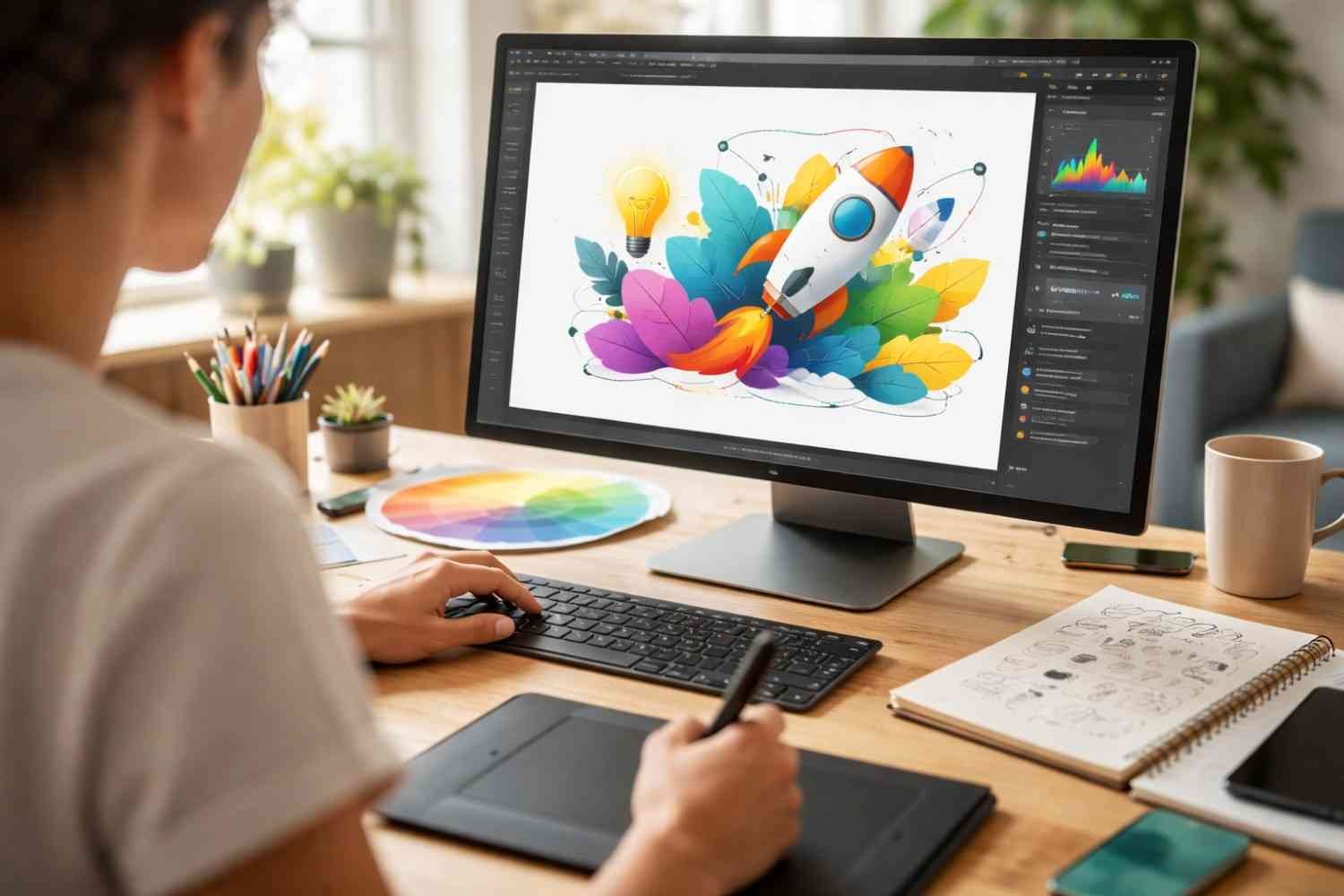
Behind every vector image is a set of mathematical instructions. These instructions tell the software how to draw shapes using coordinates, curves, and color fills. Instead of storing millions of pixels, the file simply stores instructions for drawing shapes.
When you zoom into a vector image, the software recalculates the shapes using those equations. That is why the edges remain smooth and sharp even at extreme zoom levels.
Raster graphics behave differently. A raster image contains a fixed grid of pixels, which means enlarging it spreads those pixels out and creates visible blur. Vector images avoid this limitation entirely because they are not bound to a fixed resolution.
Vector Illustration vs Raster Graphics
Understanding the difference between vector graphics and raster graphics helps explain why vector illustration is so important in modern design.
Raster images work well for detailed photographs because they store millions of color variations in pixels. But they struggle when scaling or editing complex shapes.
Vector graphics, on the other hand, excel at structured designs like logos, icons, and illustrations.
Key differences include:
- Scalability: Vector graphics scale infinitely without losing quality. Raster images become pixelated when enlarged.
- File size: Vector files are typically smaller because they store mathematical instructions instead of pixel data.
- Editability: Individual shapes and paths can be modified easily in vector artwork.
- Use cases: Vectors are ideal for branding, icons, and UI graphics, while raster images are better for photography.
This difference explains why professional design teams rely heavily on vector artwork for digital products and brand assets.
Why Vector Illustration Matters For Scalable Digital Graphics
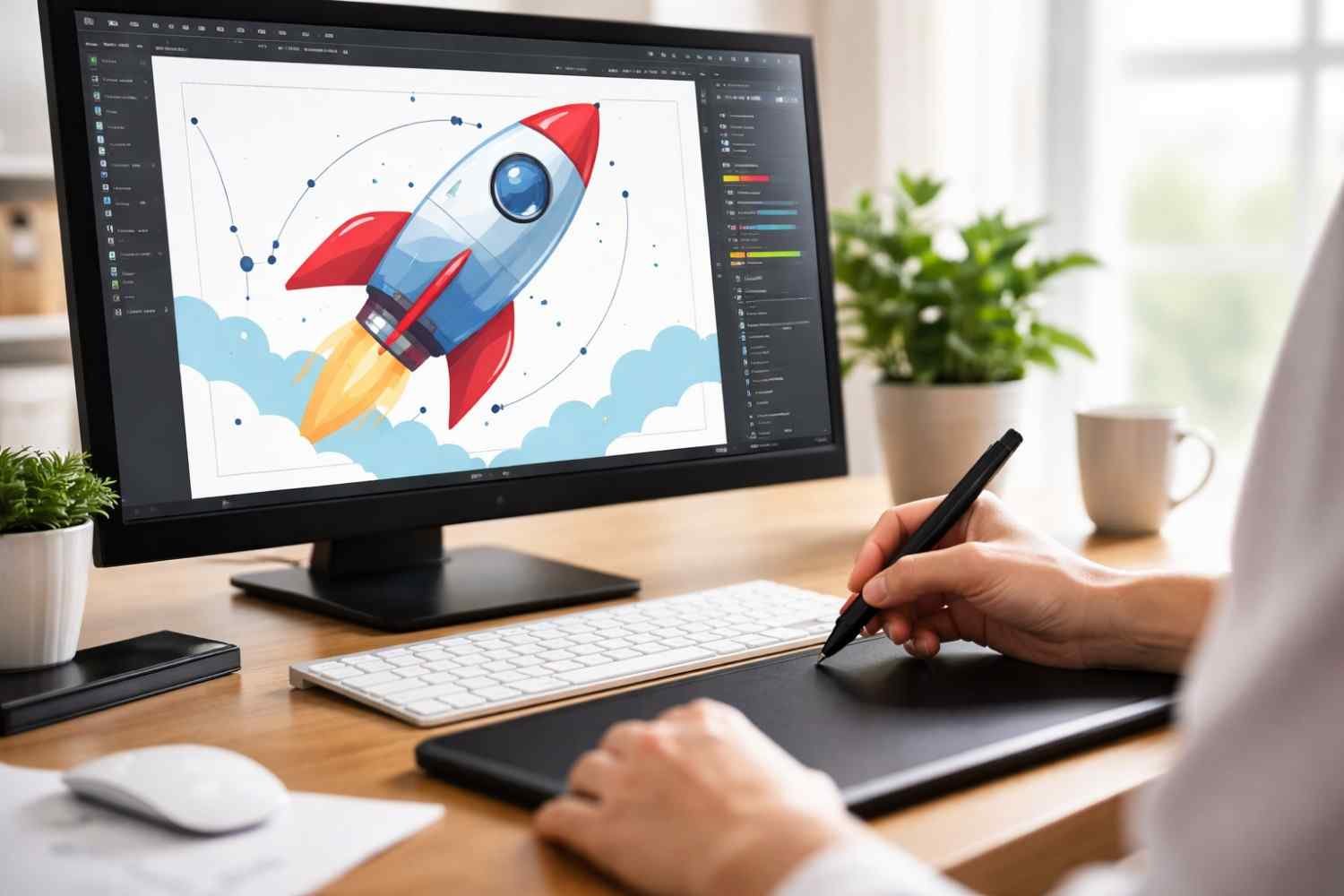
Vector illustration has become the backbone of scalable design. When graphics need to appear across multiple devices, screen sizes, and print formats, vectors provide the flexibility designers need.
Several practical advantages make vectors essential in modern design workflows:
- Infinite scalability
Vector images can be resized from a tiny mobile icon to a massive billboard without losing sharpness. The mathematical paths redraw themselves at any resolution. - Smaller file sizes
Vector files store instructions rather than pixel grids, which keeps them lightweight and faster to load on websites and apps. - Easy editing
Every element inside a vector illustration remains editable. Designers can modify colors, shapes, or curves without recreating the graphic. - Versatility across media
A single pen tool in Illustrator can work across digital interfaces, printed materials, and large-format displays while maintaining consistent quality. - Support for animation and interactivity
SVG graphics can be animated or manipulated with CSS and JavaScript, making them valuable for interactive web design.
These advantages explain why vector graphics remain a foundational part of digital product design, branding systems, and modern web development.
Where Vector Illustration Is Used In Real Design Work
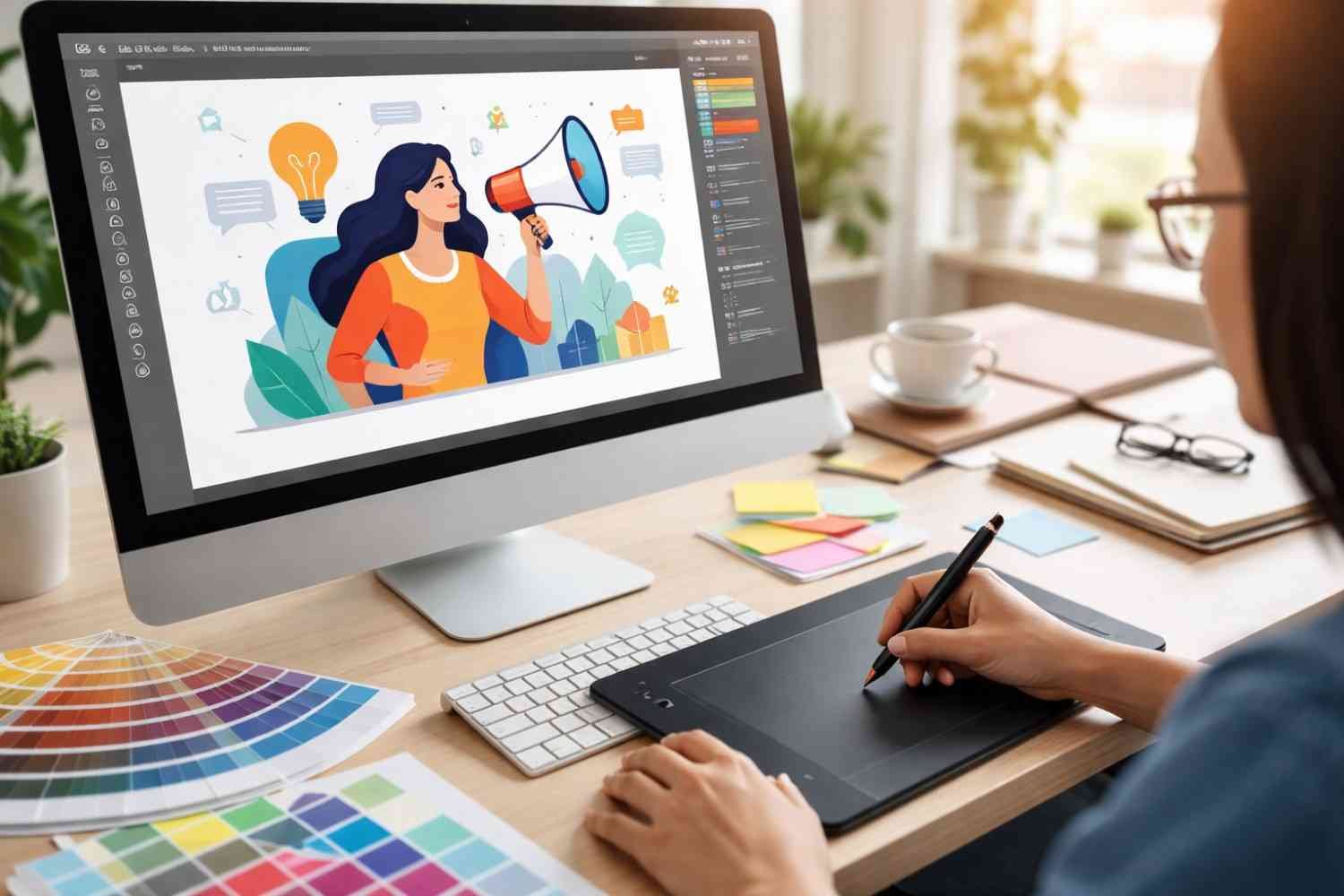
Vector illustrations appear in far more places than most people realize. Many everyday design elements rely on vector graphics because they must scale perfectly across different platforms.
Some common real-world applications include branding systems, interface icons, typography, and digital illustrations used in marketing content.
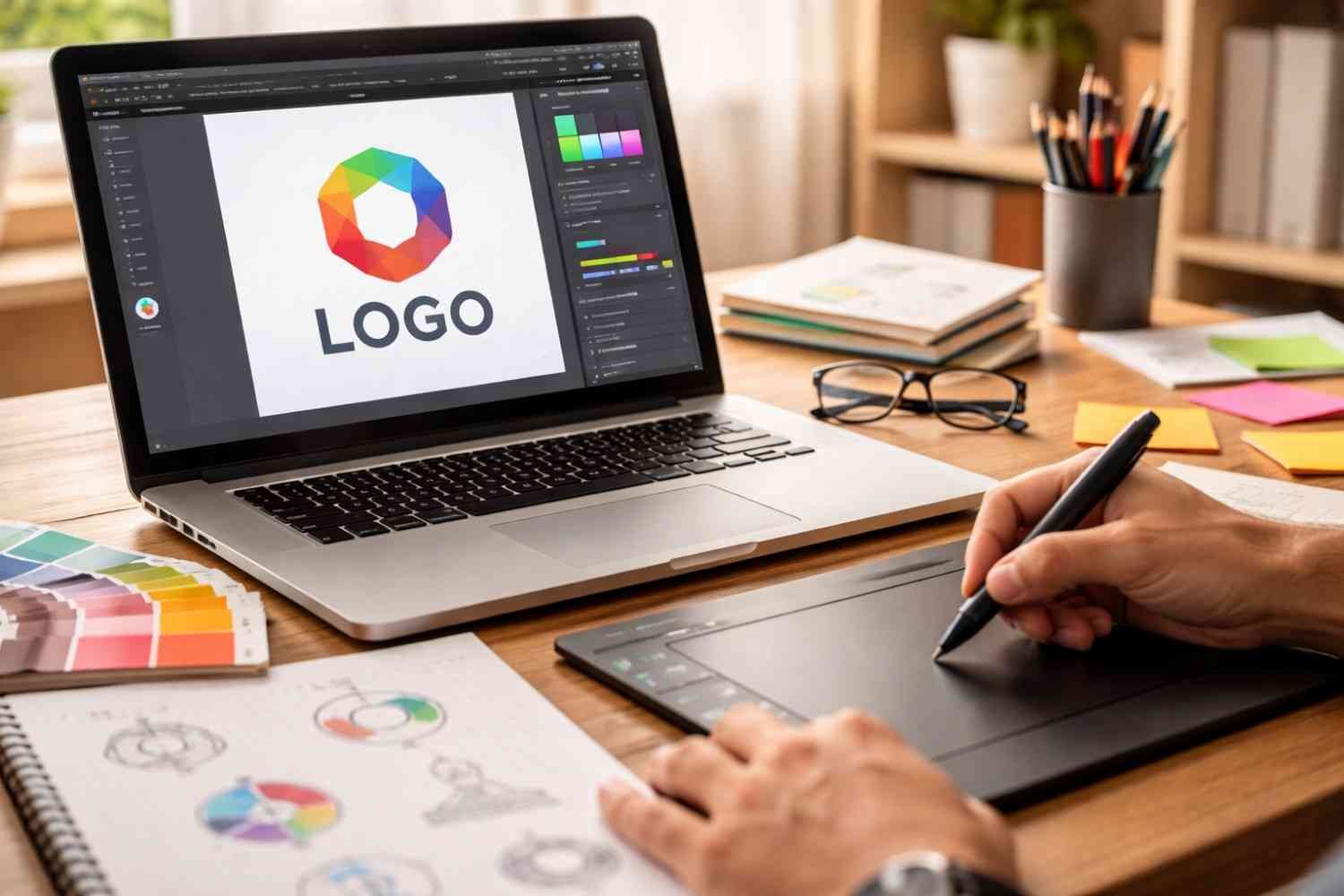
Logo is one of the most important examples. A brand logo might appear on social media profiles, websites, packaging, merchandise, and outdoor signage. If that logo were created as a raster image, resizing it would quickly reduce its quality.
Typography is another major use case. Most digital fonts are built using vector shapes so letters remain crisp at any zoom level. This allows text to scale smoothly across websites, mobile interfaces, and printed materials.
User interface design also depends heavily on vector graphics. Icons, buttons, and navigation graphics must display clearly on high-resolution screens, which is why designers rely on scalable vector graphics for these elements.
Tools Designers Use To Create Vector Illustrations
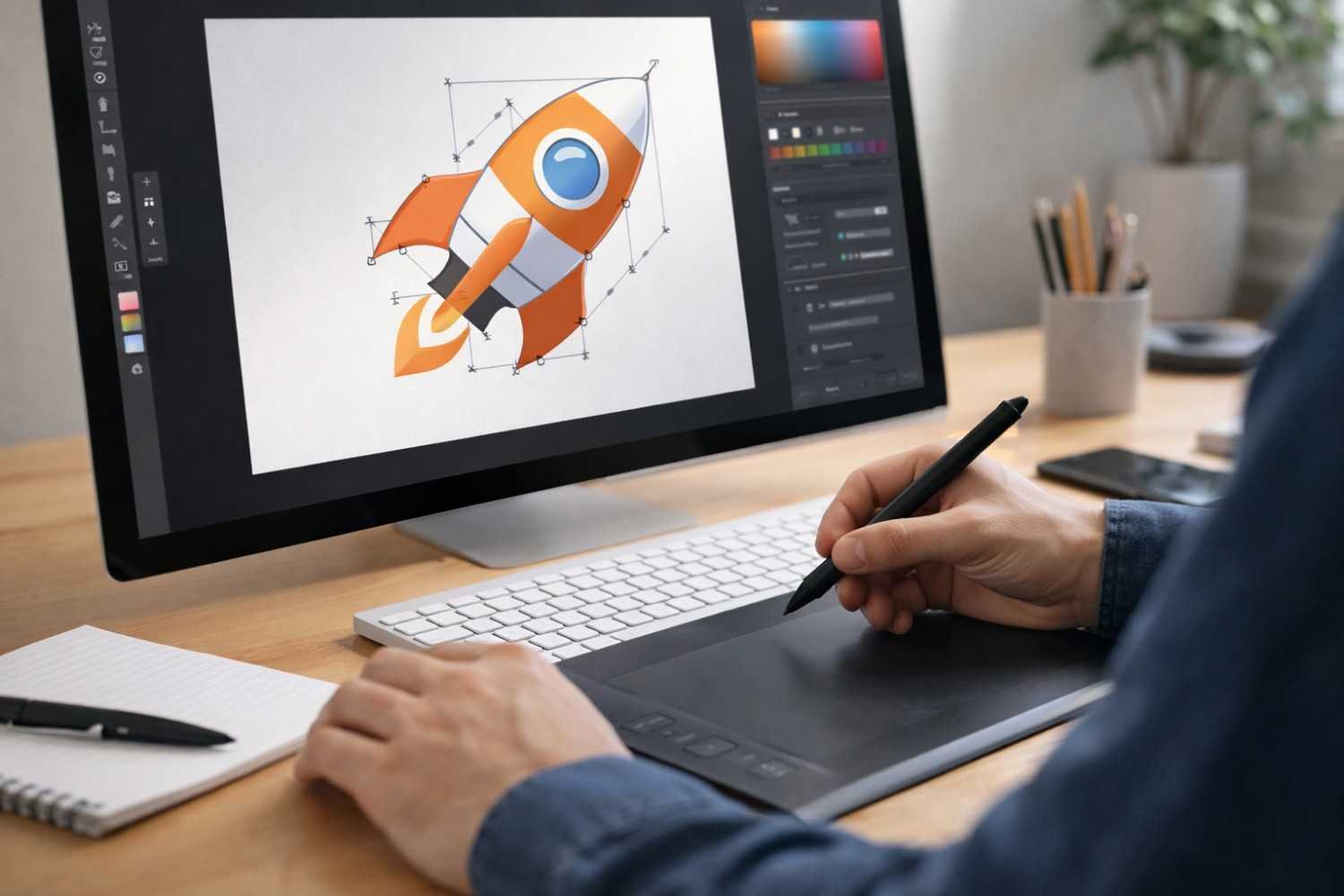
Vector illustration requires specialized design software that allows artists to work with paths, anchor points, and shapes rather than pixels.
Some widely used vector design tools include:
- Adobe Illustrator – a professional industry standard for vector artwork and logo design
- Figma – widely used for interface design and collaborative vector editing
- CorelDRAW – commonly used in print design and branding projects
- Inkscape – an open-source vector graphics editor
- Affinity Designer – a popular alternative for digital illustration and vector work
Each of these tools allows designers to create scalable graphics that remain sharp across different formats and screen sizes.
FAQs
1. What is the main advantage of vector illustration?
The biggest advantage of vector illustration is scalability. Because vector graphics are based on mathematical paths instead of pixels, they can be resized infinitely without losing image quality.
2. What file formats are used for vector graphics?
Common vector file formats include SVG, AI, EPS, and PDF. These formats store shape instructions instead of pixel data, which allows graphics to scale smoothly.
3. Is vector illustration better than raster images?
Vector graphics are better for logos, icons, typography, and illustrations that require scalability. Raster images are better suited for detailed photographs and complex color gradients.
4. Do websites use vector graphics?
Yes. Many websites use SVG graphics for icons, logos, and interface elements because they load quickly and scale perfectly on different screen sizes.
Final Thoughts
Vector illustration changed how digital design works. Instead of worrying about image resolution every time a graphic needs resizing, designers can focus on building flexible assets that adapt to different platforms automatically. That flexibility is why vectors remain central to branding systems, user interface design, and modern digital graphics.
Once you understand how vector graphics work, it becomes clear why designers rely on them for nearly every scalable visual element used across today’s digital and print environments.