Graphic design rarely happens inside a single tool. Most designers build a workflow made up of several applications that handle different parts of the creative process. A logo might start as a quick sketch on a tablet, move into vector software for refinement, and finally be exported into mockups or branding materials. Over time, designers develop a toolkit that fits how they think and create.
In professional environments, certain tools appear again and again because they solve specific design problems well. Vector software helps create scalable logos and icons. Raster software handles photo manipulation and digital textures. Cloud-based platforms support collaboration and rapid iteration. When these tools are combined thoughtfully, they form the backbone of modern branding and digital design.
The Core Software Graphic Designers Use
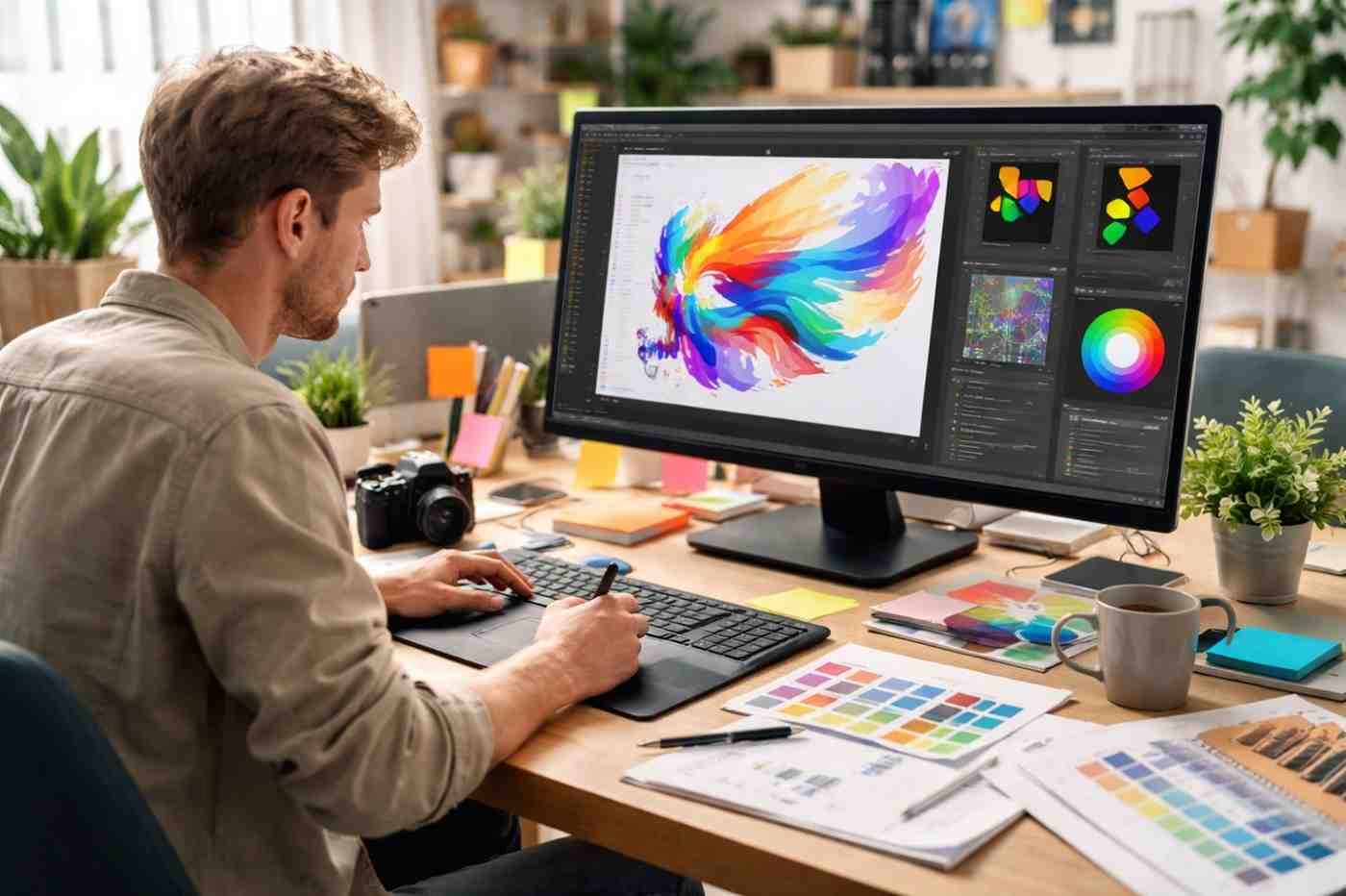
Most professional workflows revolve around a few well-established design platforms. These tools are widely used across branding studios, marketing teams, and freelance design projects.
Adobe Illustrator
Illustrator is the go-to software for vector graphics, corporate identity and logo design. Unlike pixel-based programs, it uses mathematical paths to create shapes and illustrations. That means logos can scale from a small website icon to a billboard without losing quality.
Designers typically use Illustrator for:
- Logo creation and brand marks
- Icon systems and scalable graphics
- Typography and custom lettering
- Brand assets that need perfect scalability
Because branding often requires consistent visuals across websites, packaging, and signage, vector graphics are essential.
Adobe Photoshop
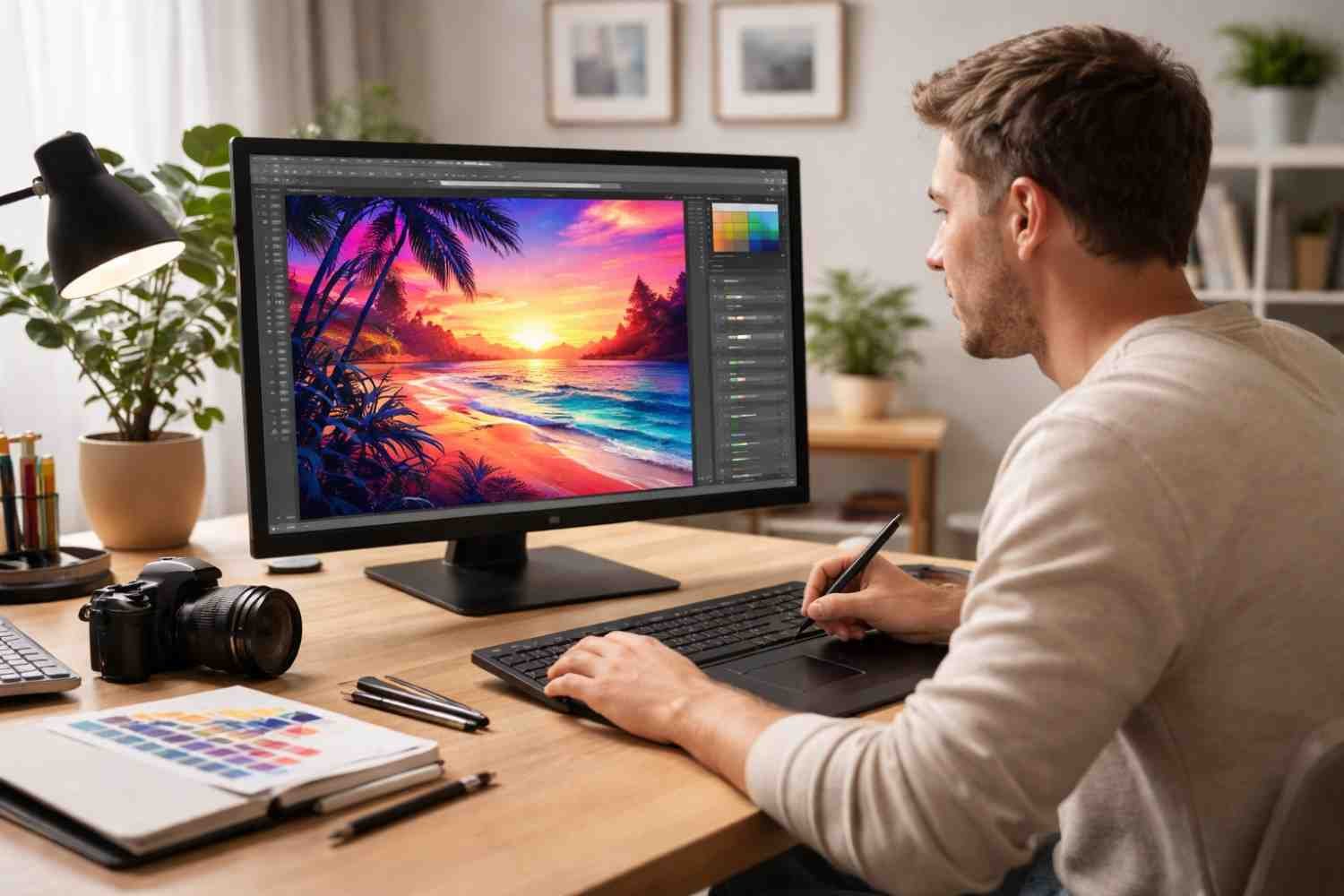
Photoshop focuses on raster graphics, meaning images made from pixels. It excels at editing photographs, creating visual textures, and building detailed digital compositions.
Designers rely on Photoshop for tasks such as:
- Photo manipulation and retouching
- Creating social media graphics
- Designing marketing visuals
- Building realistic product mockups
In branding projects, Photoshop often supports the presentation stage. Designers use it to place logos on packaging, apparel, or signage so clients can visualize how the brand will appear in the real world.
Figma
Figma has become one of the most widely used tools for digital product design. Unlike traditional desktop software, it runs in the browser and allows multiple designers to work on the same file simultaneously.
Teams frequently use Figma for:
- Website interface design
- Mobile app layouts
- Interactive prototypes
- Real-time collaboration with developers
Designers make a logo in Illustrator with product teams or digital startups, Figma bridges the gap between branding and user experience design.
Adobe InDesign
When branding extends beyond logos into larger documents, InDesign becomes essential. It specializes in layout design and multi-page publications.
Common uses include:
- Brand guideline documents
- Marketing brochures
- Digital magazines or ebooks
- Corporate presentations
Many branding projects include extensive documentation explaining typography, colors, and visual standards. InDesign makes organizing these materials far easier than general graphic design tools.
Affinity Designer
Affinity Designer has gained popularity as a powerful alternative to Illustrator. One reason designers appreciate it is its ability to switch between vector and raster graphics within the same program.
This flexibility allows designers to create illustrations, refine logos, and add texture without constantly switching software.
Tools That Make Design Faster And More Accessible
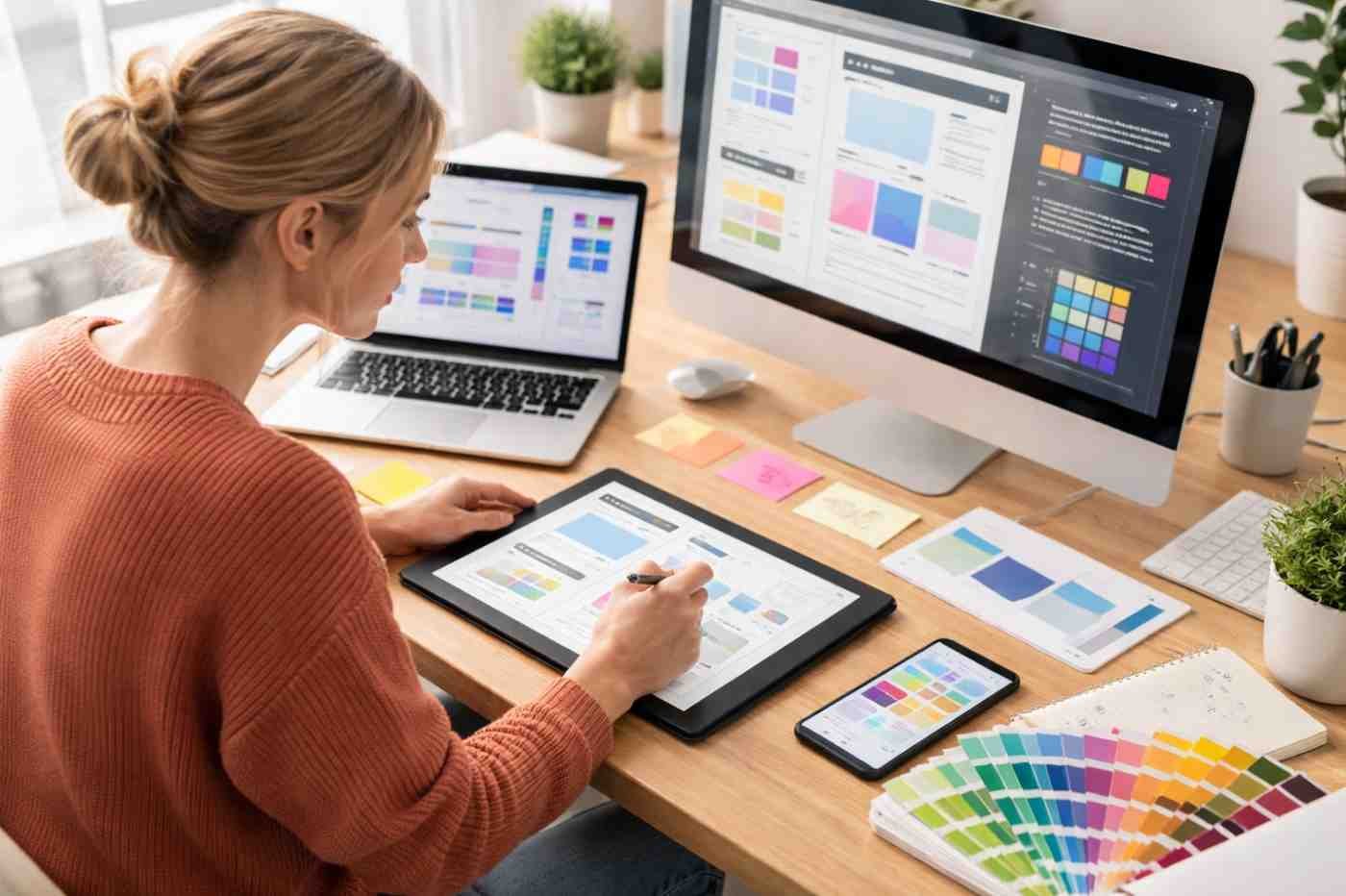
While professional design software dominates agency environments, several newer tools have changed how designers work, especially when speed and collaboration matter.
Canva
Canva started as a simple design platform but has evolved into a major tool for marketing teams and small businesses. It offers thousands of templates for social graphics, presentations, and promotional materials.
Designers often use Canva when:
- Teams need quick marketing visuals
- Non-designers must create branded content
- Social media graphics need to be produced rapidly
Many designers build template systems inside Canva so marketing teams can produce materials without constantly requesting design support.
CorelDRAW
CorelDRAW remains popular in industries connected to printing, signage, and product decoration. Its vector tools are powerful and optimized for production environments.
Professionals working in apparel printing, engraving, or sign manufacturing often prefer CorelDRAW because of its strong compatibility with printing hardware and cutting machines.
Procreate
Procreate has become a favorite among illustrators working on tablets. The software allows artists to sketch naturally with a stylus while maintaining the flexibility of digital editing.
Designers commonly use Procreate for:
- Concept sketches for logos
- Digital illustrations
- Hand-drawn branding elements
- Storyboards and creative exploration
Many brand identities begin as rough drawings before being converted into clean vector graphics.
Free And Open-Source Design Tools
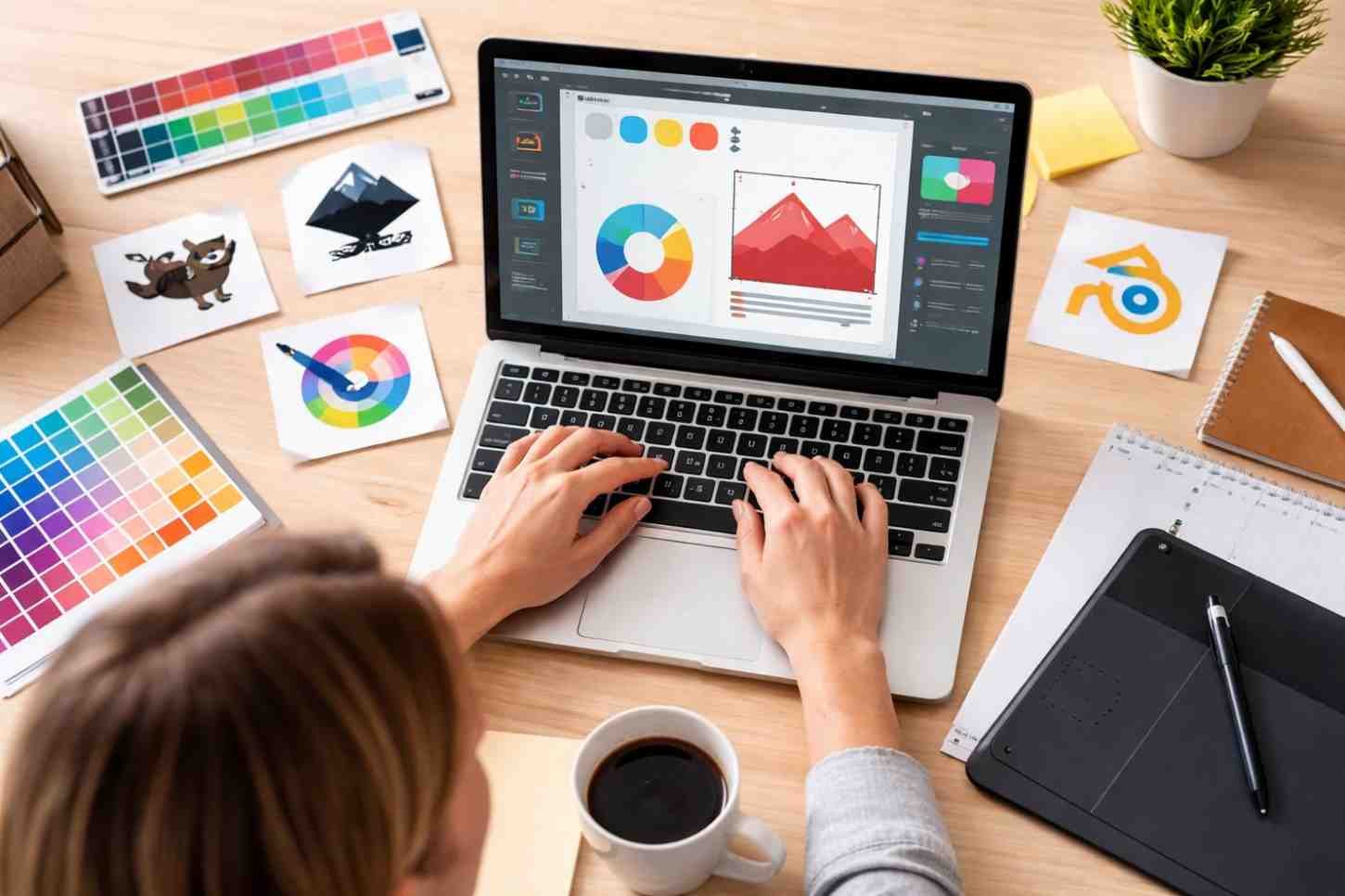
Not every designer starts with expensive software subscriptions. Several open-source tools offer surprisingly powerful capabilities.
Inkscape is a vector graphics editor that supports scalable design and logo creation. Many students and early-career designers use it to learn vector illustration principles.
GIMP provides raster editing similar to Photoshop. It can handle photo editing, image manipulation, and digital artwork.
These tools are often used by designers who want to practice professional workflows before investing in commercial software.
Essential Hardware Designers Depend On

Software alone cannot support a professional design workflow. Hardware also plays a major role in accuracy, speed, and creative control.
Many designers rely on the following equipment:
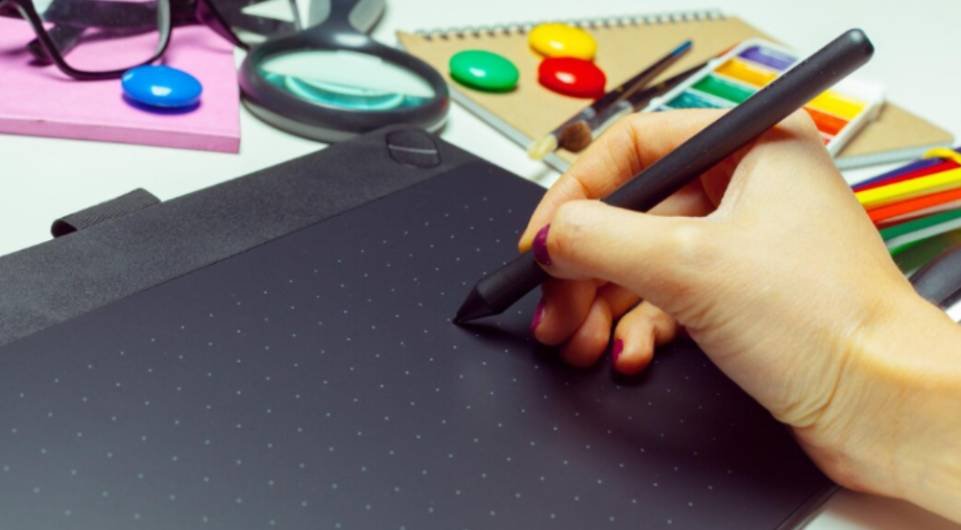
- Graphic tablets and styluses – Allow natural drawing and precise control when sketching or retouching images
- High-resolution monitors – Provide sharp visuals and improved color accuracy when working on detailed graphics
- Monitor calibration devices – Ensure colors on screen match final printed or digital output
- Color swatch books – Used to match brand colors consistently across packaging, signage, and marketing materials
Color consistency is especially important in branding. Designers must ensure that colors remain accurate whether they appear on packaging, websites, or printed materials.
How Designers Combine Tools In Real Workflows
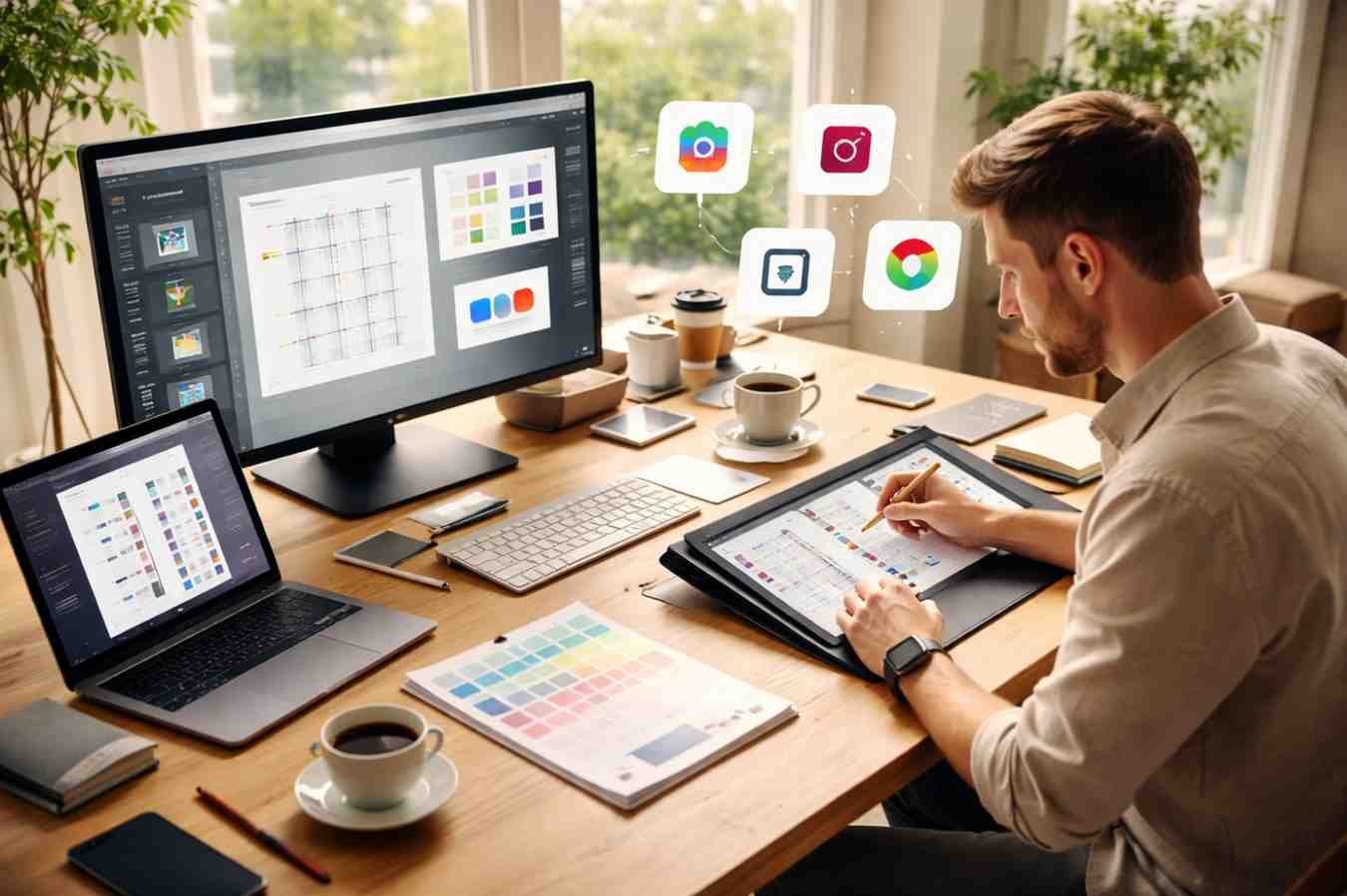
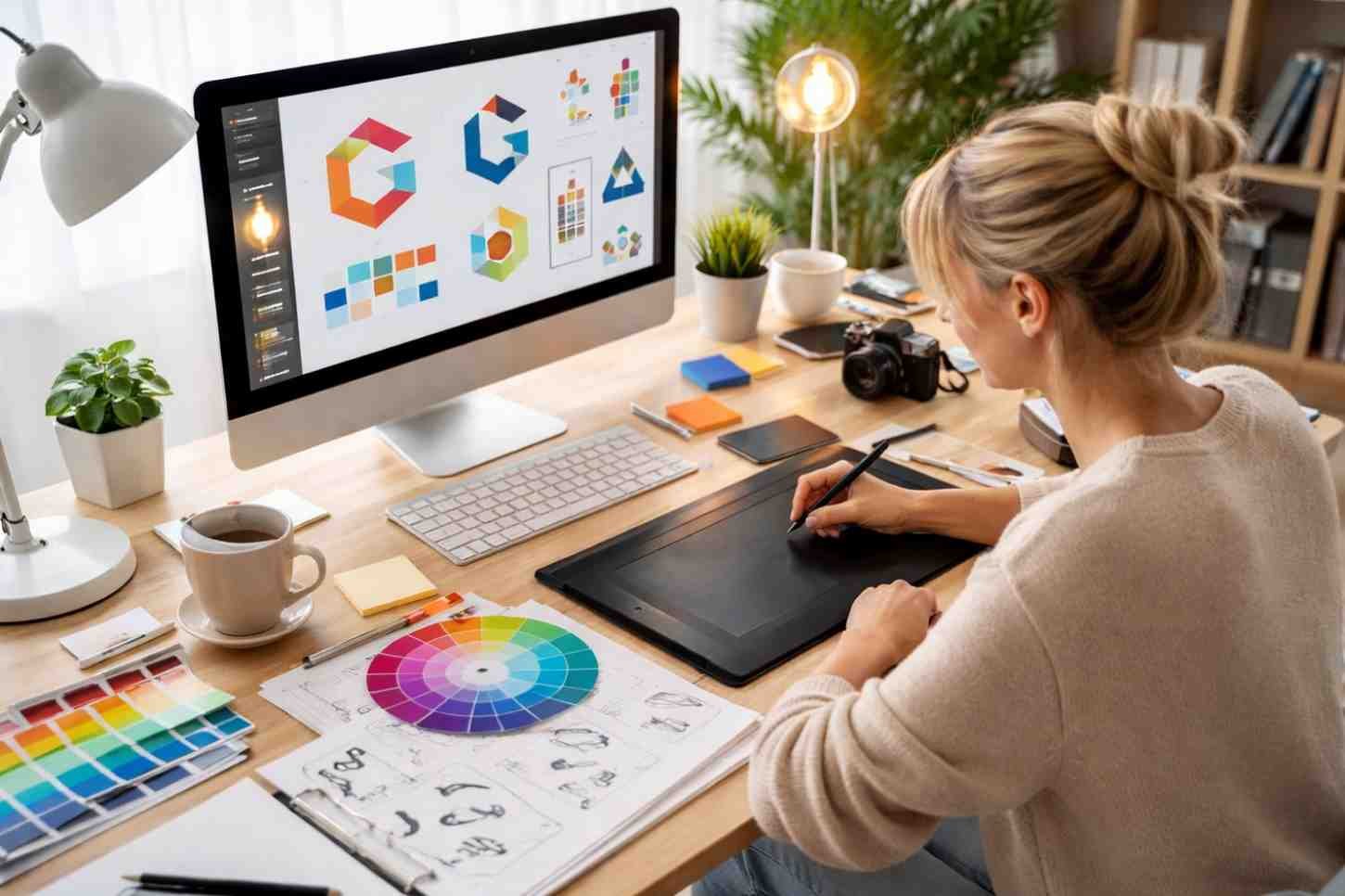
A professional design process rarely relies on just one program. Instead, designers move between tools depending on the stage of the project.
A typical branding workflow might look like this:
- Initial concept sketches created on a tablet using Procreate
- Logo refined into vector format in Illustrator
- Brand mockups created in Photoshop
- Website layouts built in Figma
- Brand guidelines assembled in InDesign
This multi-tool approach allows designers to use each program for what it does best.
As digital design continues evolving, collaboration tools and cloud-based platforms are becoming just as important as traditional software. Designers today are expected to adapt quickly and integrate multiple tools into their creative process.
FAQs
1. What tools do graphic designers use most often?
Most designers regularly use Adobe Illustrator, Photoshop, and Figma. These tools handle vector graphics, image editing, and digital interface design, covering the majority of branding and digital design needs.
2. Is Adobe Creative Cloud necessary for graphic designers?
Many professional designers rely on Adobe tools because they are widely used across the industry. However, alternatives like Affinity Designer, Canva, and Figma provide strong capabilities for many design projects.
3. What software is best for logo design?
Vector software is best for logo creation because it allows designs to scale without losing quality. Illustrator, Affinity Designer, CorelDRAW, and Inkscape are commonly used for this purpose.
4. Can beginners learn graphic design without expensive software?
Yes. Tools like Canva, GIMP, and Inkscape provide free or low-cost ways to learn design principles before investing in professional software.
Final Thoughts
Graphic design tools continue evolving, but the core principle remains the same: the best designers choose tools that help them solve creative problems efficiently. Vector software supports scalable branding, raster tools handle detailed imagery, and collaborative platforms connect designers with developers and marketing teams. The real skill lies not in mastering one program, but in understanding how multiple tools work together throughout the design process.
As new platforms emerge and workflows become more collaborative, designers who adapt their toolkit will always stay ahead creatively and professionally.