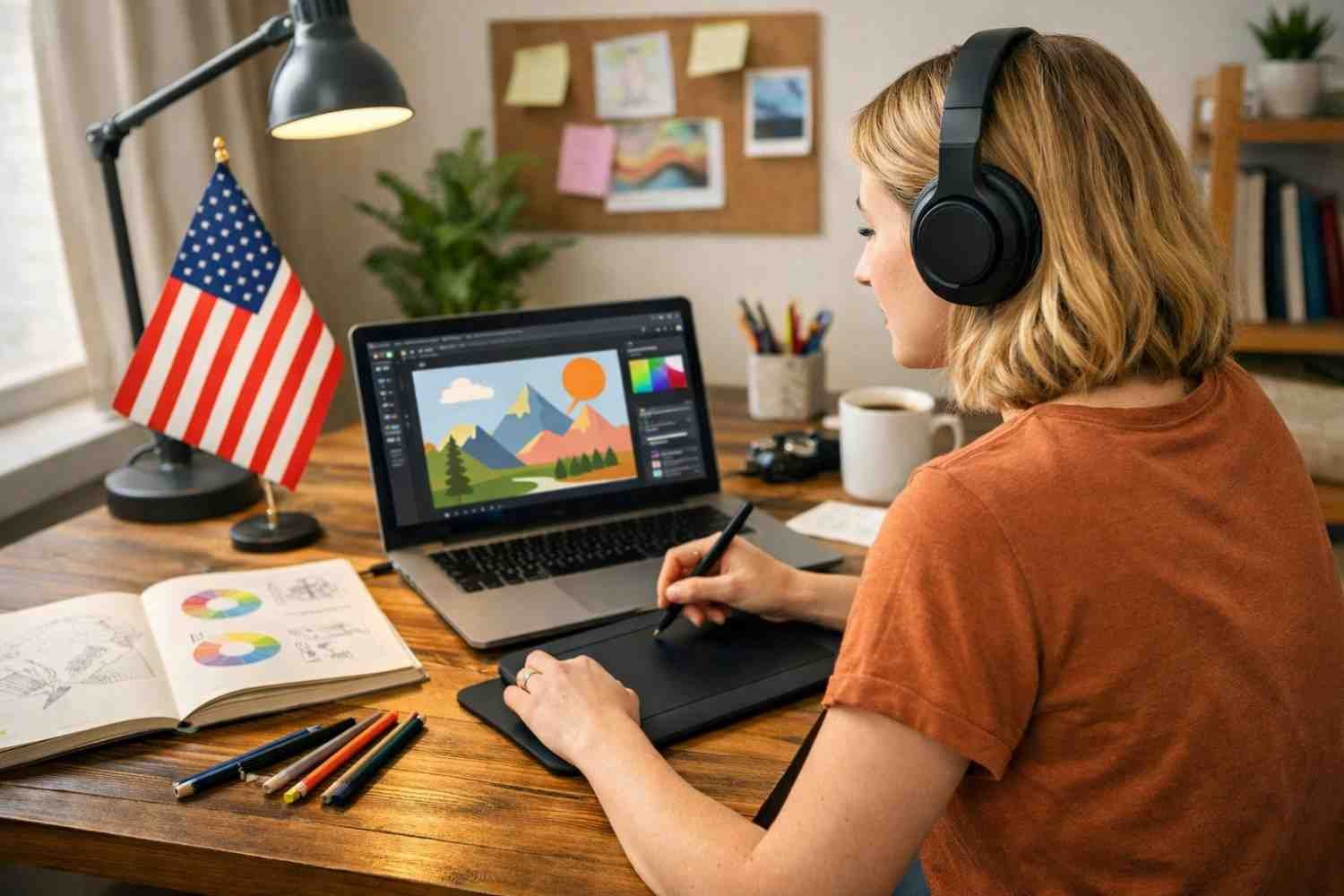
When I first tried to learn graphic design at home, I assumed the hardest part would be mastering complicated software. I quickly discovered that software wasn’t the real challenge. The real challenge was knowing where to start. Tutorials were everywhere, tools were everywhere, and advice was everywhere. But nothing felt structured, and I kept jumping between random lessons without actually improving.
Over time, I realized that learning graphic design from home works best when you follow a clear path. You don’t need expensive courses or a design school degree. What you need is a combination of fundamentals, the right tools, consistent practice, and a way to train your eye for good design. Once I focused on those four things, everything started to make sense.
Start With Design Fundamentals Before Learning Software
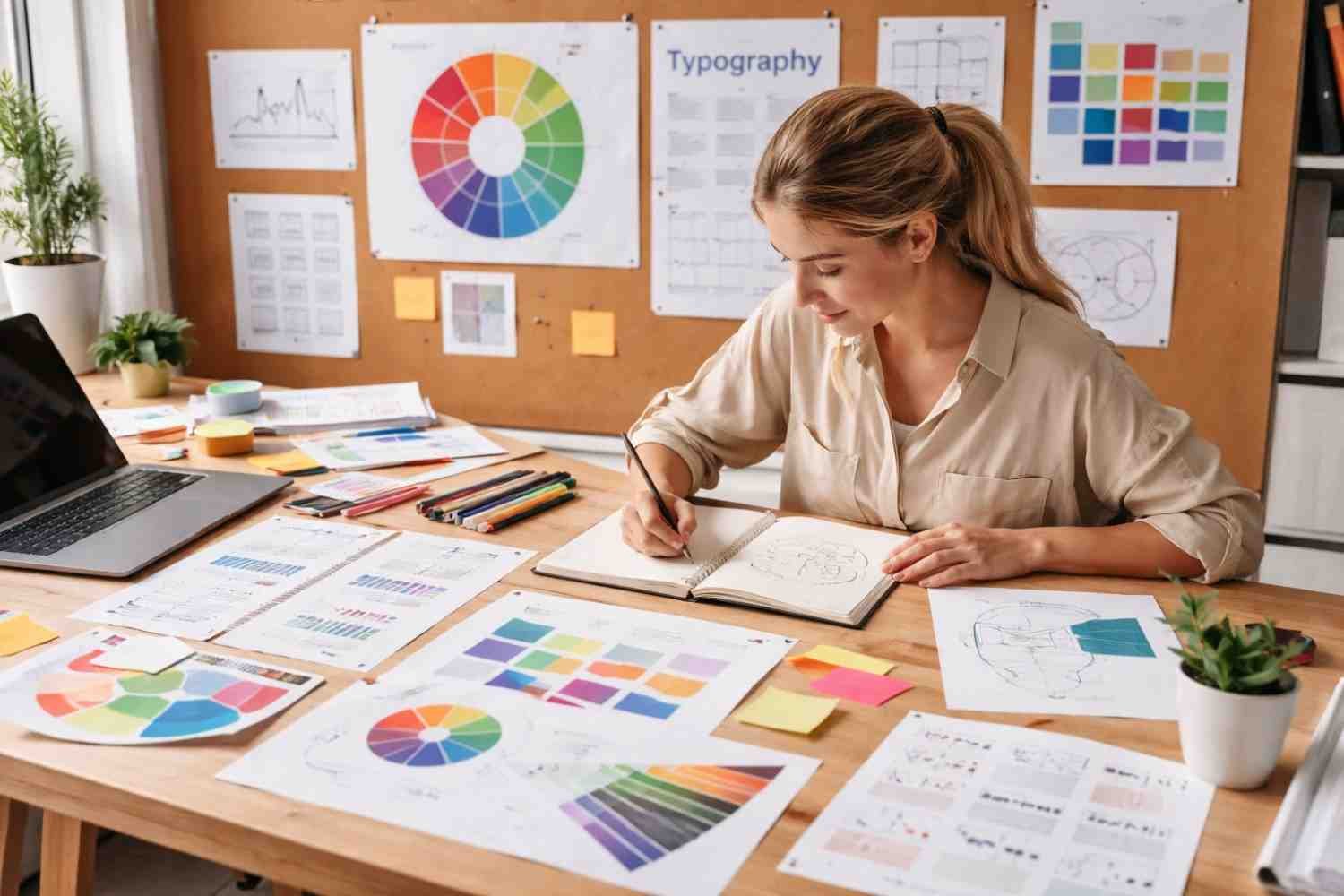
Many beginners rush into tools like Photoshop or Illustrator immediately. I did the same thing. But good graphic design isn’t created by software. It comes from understanding how visual communication works.
Once you learn the basic principles, any tool becomes easier to use because you understand why design decisions matter.
Understanding Core Design Principles
Design principles are the foundation of every layout you see in advertisements, websites, posters, and apps. Without them, designs often feel messy or confusing.
Some of the most important fundamentals include:
- Hierarchy, which helps viewers understand what information matters most
- Balance, which keeps designs visually stable
- Contrast, which creates emphasis and clarity
- Alignment, which organizes elements into a clean structure
- Proximity, which groups related content together
When I first studied these ideas, I started noticing them everywhere. Magazine covers, product packaging, and even restaurant menus suddenly looked different because I could see the structure behind them.
Learning Color and Typography Basics
Color and typography play a massive role in how people perceive design. Two designs with identical layouts can feel completely different depending on their colors and fonts.
Color theory explains how colors interact and how combinations influence emotions. Typography focuses on how text communicates visually through spacing, font pairing, and readability.
These skills don’t require expensive tools to learn. Many designers spend weeks simply analyzing great examples and practicing simple layouts before moving on to advanced projects.
Use Free Design Tools Instead of Expensive Software
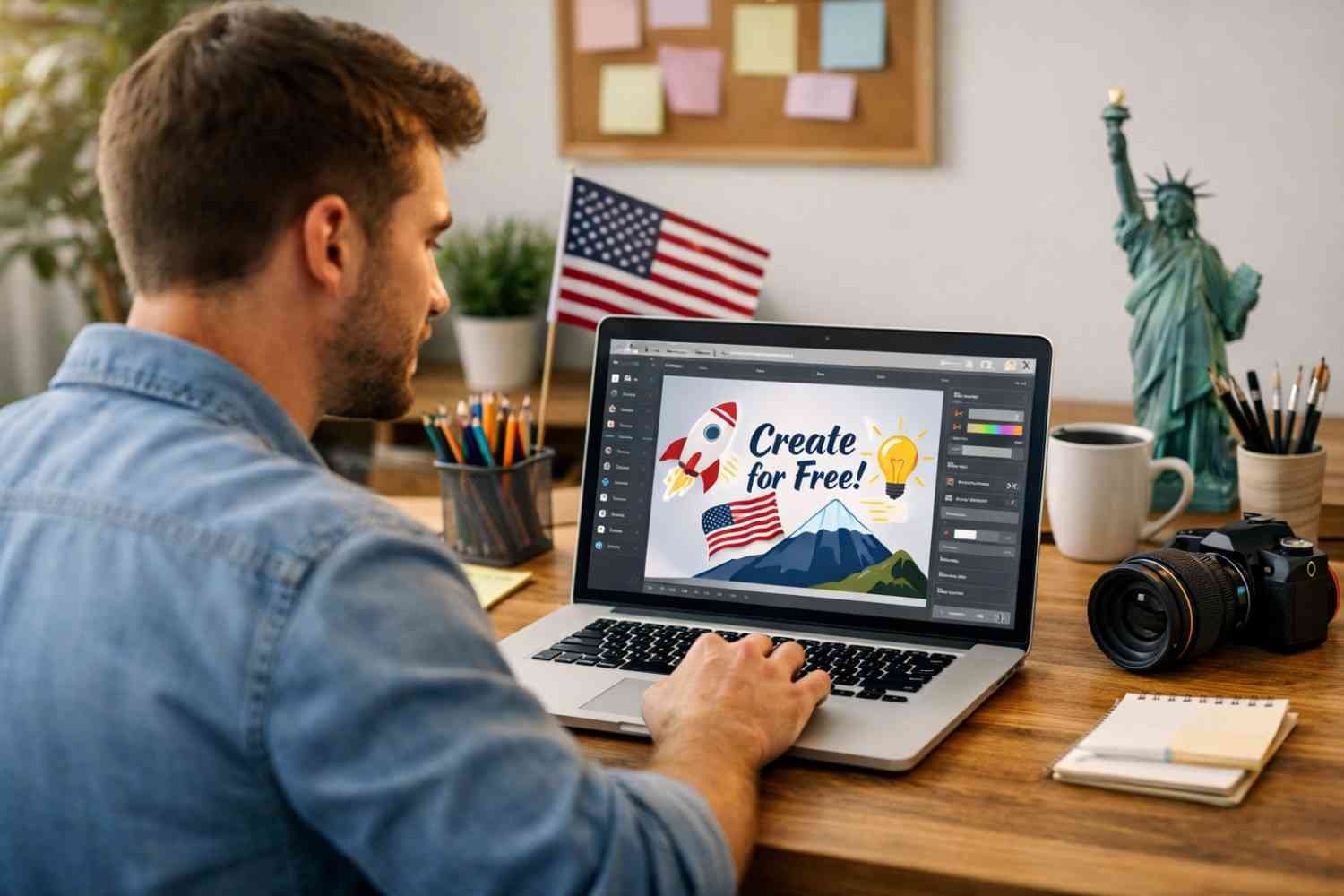
One misconception about learning design is that you need costly software subscriptions right away. In reality, several powerful tools allow beginners to practice professional design techniques without spending anything.
Starting with free tools removes pressure and lets you focus on creativity instead of worrying about subscriptions.
Beginner-Friendly Tools for Learning Design
Some tools are especially helpful when you are learning graphic design at home because they combine accessibility with real design capabilities.
- Canva works well for beginners experimenting with layouts and social media graphics.
- Photopea runs directly in a browser and supports layered files similar to professional editing software.
- GIMP offers strong image editing tools for photo manipulation and digital artwork.
- Inkscape focuses on vector design, which is useful for logos and icons.
- Figma allows you to experiment with interface design and collaborative projects.
Trying multiple tools early helps you understand which style of design interests you the most.
Learn From High-Quality Free Design Resources

One advantage of learning graphic design today is the massive number of free educational resources available online and circular economy for mobile phones. Entire design courses, tutorials, and lectures are accessible without paying for formal education.
Instead of following random tutorials, it helps to choose a few reliable learning sources and stick with them consistently.
Learning From Professional Design Tutorials
Many designers share high-level knowledge through tutorials and educational content. These lessons often focus on real design scenarios instead of abstract theory.
Tutorial platforms and video lessons can help you understand topics like layout design, typography structure, and visual storytelling. Short, focused tutorials also make it easier to practice specific techniques rather than feeling overwhelmed by long courses.
Practice With Realistic Design Projects
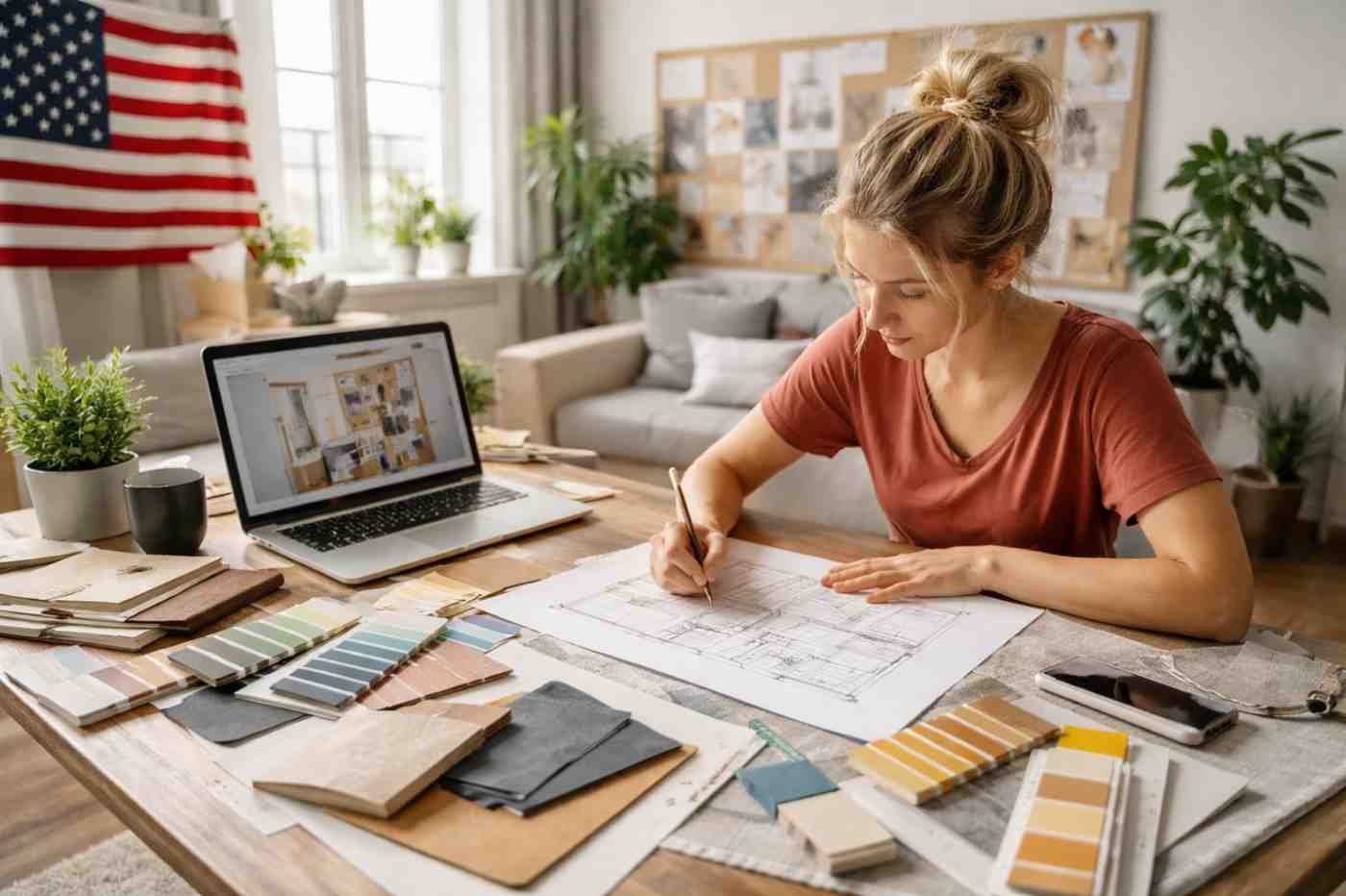
Watching tutorials alone won’t build design skills. Improvement comes from applying what you learn through real projects.
When I started practicing regularly, I realized that every design project teaches something new. Some improve layout skills, others improve color usage, and some simply teach patience.
Create Your Own Design Briefs
Since beginners rarely have clients initially, creating personal design projects is one of the best ways to gain experience.
You can practice by redesigning existing materials around you. Restaurant menus, product packaging, event posters, and social media graphics all offer great opportunities for practice.
Design prompt generators can also simulate real client briefs by giving random project ideas. These prompts challenge you to think like a designer instead of simply copying tutorials.
Build a Portfolio From Practice Work
Every completed project becomes part of your design portfolio. A portfolio shows your ability to solve visual communication problems, not just your software knowledge.
Many self-taught designers build strong portfolios through personal projects before ever working with real clients. Over time, those projects demonstrate growth, creativity, and problem-solving ability.
Train Your Eye by Studying Great Design
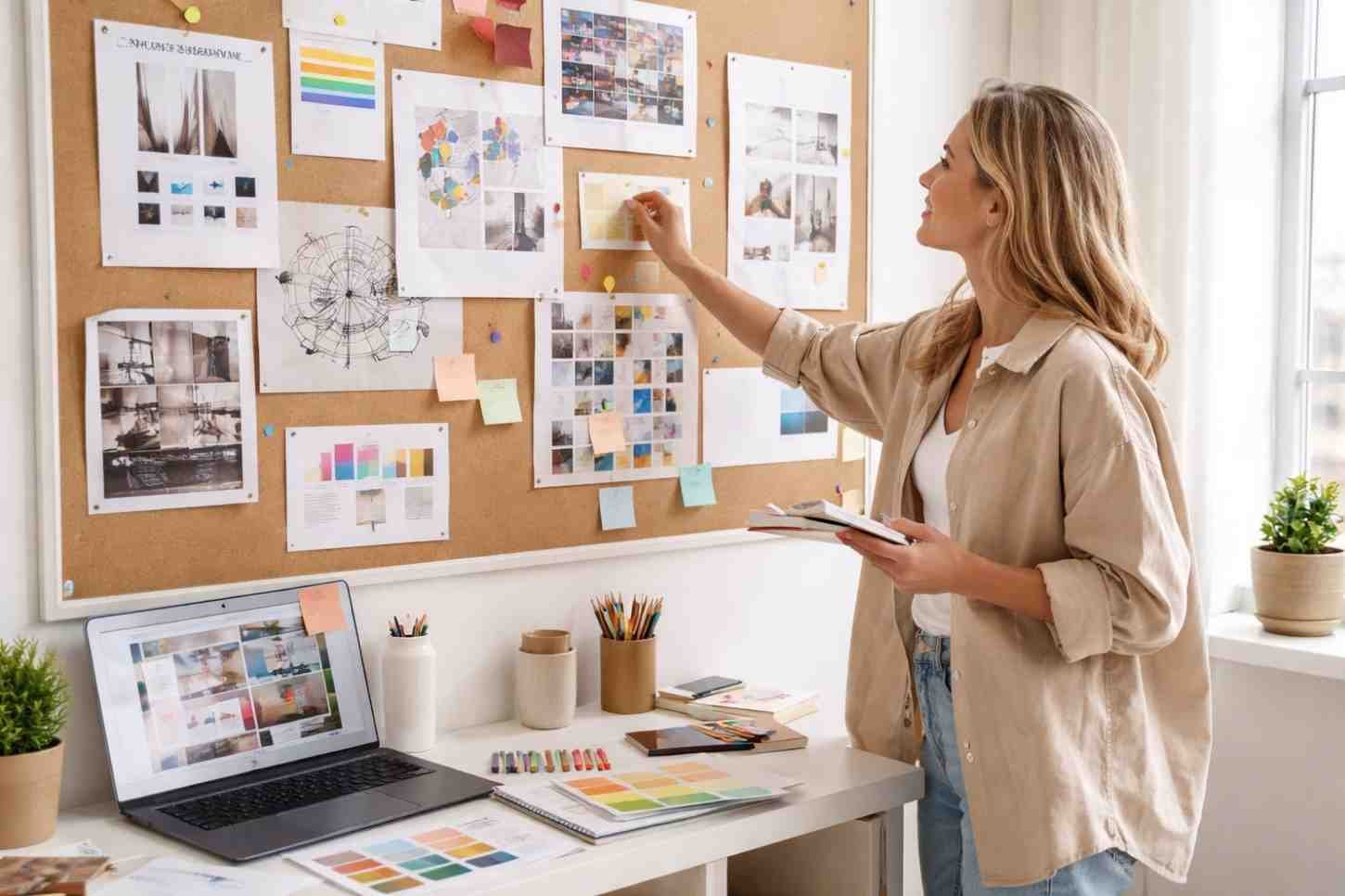
One habit that dramatically improved my design skills was studying the work of experienced designers. Exposure to good design gradually develops intuition about what works and what doesn’t.
Instead of copying designs directly, observing them helps you understand composition, color usage, and visual hierarchy.
Platforms that showcase professional portfolios allow you to see how designers solve real communication problems through visual elements. Creating mood boards from inspiring work can also help you explore different styles and creative directions.
Learning to recognize strong design often comes before learning how to create it.
FAQs
1. How long does it take to learn graphic design at home?
The timeline varies depending on practice and consistency.
2. Do you need expensive software to start learning graphic design?
No. Many beginners successfully learn using free tools like Canva, Figma, GIMP, and Inkscape. These tools provide enough functionality to practice real design concepts.
3. Can someone become a professional designer without design school?
Yes. Many successful designers are self-taught. A strong portfolio and practical skills often matter more than formal education in the design industry.
4. What should beginners practice first in graphic design?
Beginners should focus on design fundamentals such as layout, typography, color theory, and visual hierarchy before diving deeply into complex software tools.
Final Thoughts
Learning how to learn graphic design at home without taking expensive courses is completely possible when you approach it with structure and patience. The most important step is building a foundation in design principles before getting lost in software tutorials. Once you understand how visual communication works, every tool becomes easier to use, and every project becomes an opportunity to improve.
Progress in design rarely happens overnight. But with consistent practice, curiosity, and exposure to good design, skills develop naturally over time.